

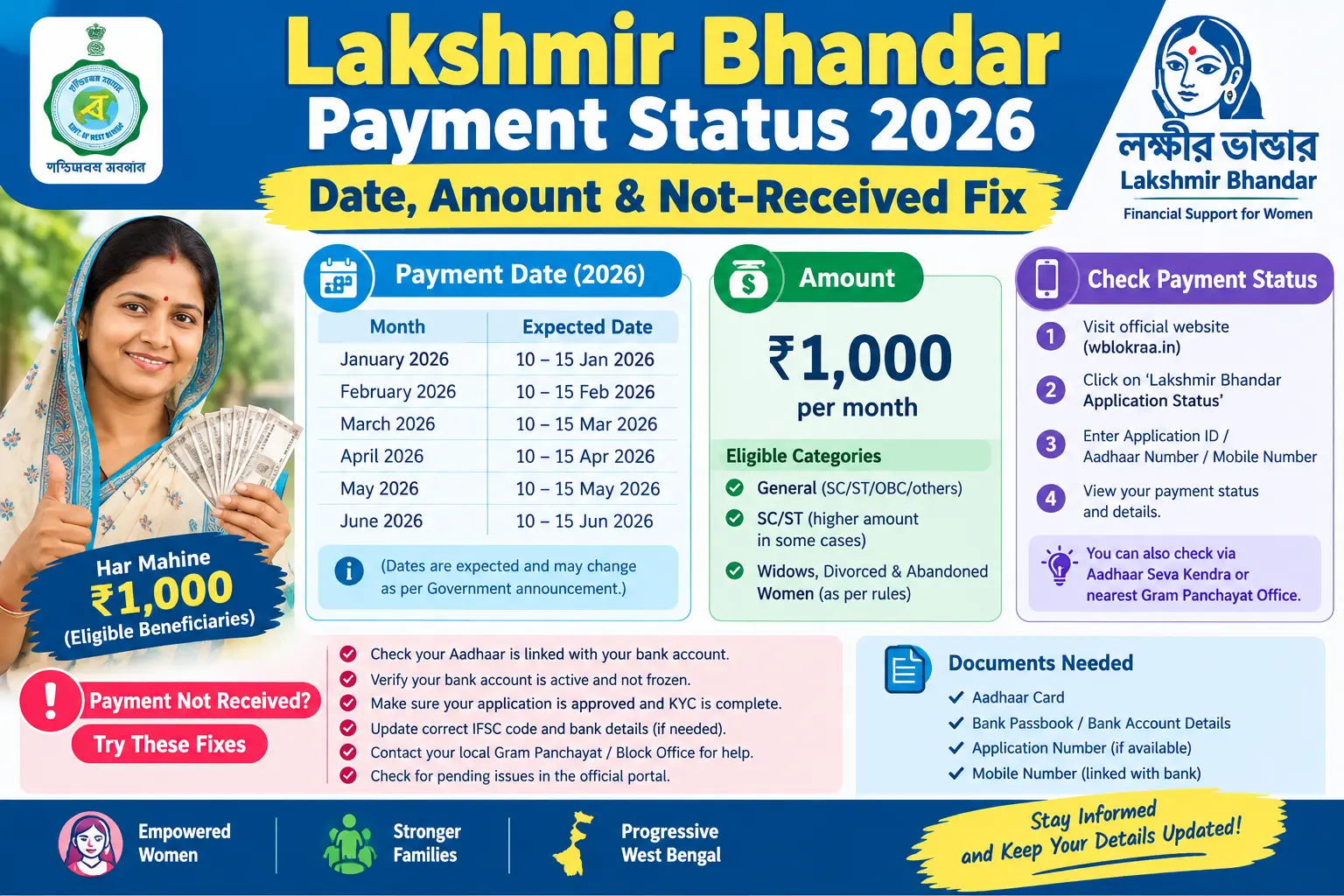
The month has turned, the grocery bill is due, and your bank account still shows nothing. That is the moment most women in West Bengal start searching for their Lakhir Bhandar payment status — usually on a phone, often with patchy network, sometimes on a website that turns out to be a lookalike. This guide walks through what the scheme pays in 2026, how to check your own record on the official state portals without visiting an office, and what to actually do when the credit does not appear.
What the Scheme Looks Like in 2026
Lakshmir Bhandar has been recast under a new name — Annapurna Bhandar — and with it, the payment structure has changed. State announcements in 2026 put the monthly assistance at ₹3,000 for eligible women, transferred by Direct Benefit Transfer (DBT) straight into an Aadhaar-linked bank account. That is a jump from the earlier two-slab system, where general category beneficiaries received ₹1,500 and SC/ST beneficiaries ₹1,700.
Two things follow from this. First, your old Lakshmir Bhandar records were carried into the new framework, so you generally do not need to apply again — but fresh verification has been required in some cases, particularly for accounts where Aadhaar seeding or bank details were incomplete. Second, the name you see on a portal may not match the name people use in the queue at your block office. Both refer to the same payment.
Because amounts and eligibility rules have shifted more than once, treat any figure you see on social media — including the one above — as a starting point, not a guarantee. Your own entitlement is the number shown against your name on the official portal, and that is the only figure worth budgeting against.
Discover More About:👇
DBT Status Check with Mobile Number (2026 Guide)
Aadhaar Bank Seeding Status for DBT: How to Check Aadhaar Bank Link Status
Aadhaar Bank Seeding Status: How to Check Aadhaar Card Link With Bank Account
How to Check Lakhir Bhandar Payment Status Online
The state’s Social Registry portal (socialregistry.wb.gov.in) is the primary route. It works on a basic smartphone browser, and the whole check takes about two minutes if your mobile number is current.
- Open the portal directly. Type socialregistry.wb.gov.in into the address bar rather than tapping a link from WhatsApp or a search ad. Several copycat sites collect Aadhaar numbers and bank details under the guise of a status check.
- Pick your district. Beneficiary records are organised district-wise and block-wise. Selecting the wrong district returns a blank page or an error, which people often misread as “my name has been deleted.”
- Enter your registered mobile number — the one you gave at the Duare Sarkar camp or block office. If you have changed SIMs since applying, this step is where the process will stall.
- Tap “Get OTP” and enter the code. The OTP typically arrives within a minute. If it does not, wait for the timer to reset before requesting again; hammering the button can lock the session.
- Read your beneficiary profile. It shows application status, payment status, the bank account on record, and the amount and date of the last credit.
- Write down your Application ID. You will need it for any follow-up at the block office, and it saves a lot of explaining later.
As an alternative, the Social Security Portal (socialsecurity.wb.gov.in) has a “Track Applicant Status” option that accepts your Application ID, Aadhaar number, or registered mobile number. Both portals draw on the same database, so a mismatch between them is unlikely — but if one times out repeatedly, try the other before assuming your record is missing.
Pitfalls worth knowing: OTPs fail most often when the registered number is an old one, when DND is active on the SIM, or when the phone is in a low-signal area. Portal sessions also expire quickly, so keep your Application ID or Aadhaar number ready before you start, not after the page loads.
When the Money Usually Arrives
In recent cycles, credits have generally landed within the first week or so of the month. That is a pattern, not a promise. Delays have occurred during heavy verification drives — March 2026 saw a backlog as the state processed lakhs of pending applications — and during the administrative transition to the new scheme name.
Your payment status field tells you where things stand. “Validation Success” or “Payment Under Process” usually means the record has cleared and the money is moving through the banking channel; give it a few working days. “Validation Error” means something in your record needs fixing before any transfer can happen, and waiting will not resolve it.
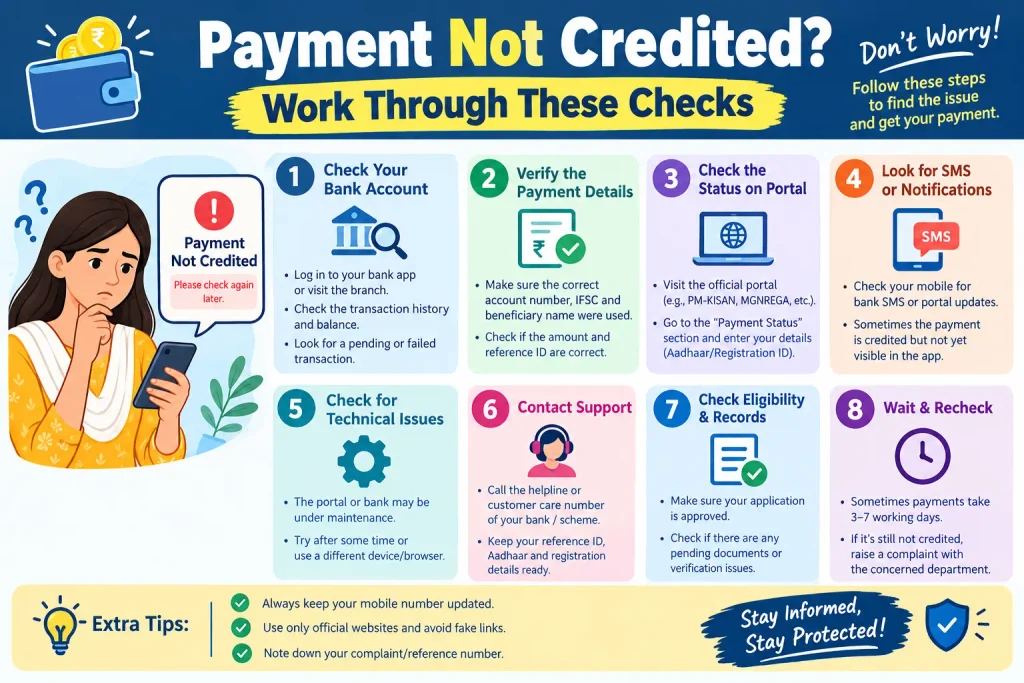
Payment Not Credited? Work Through These Checks
Check your DBT seeding first. The single most common reason for a missing credit is that Aadhaar is not seeded to the account the government is trying to pay into. Log in to the myAadhaar portal with your Aadhaar number and an OTP, and look for the Aadhaar-bank seeding status. Your bank’s net banking or passbook update will also show whether DBT is active. If nothing shows, visit the branch and ask specifically for Aadhaar seeding for DBT — not just Aadhaar linking, which is a different thing.
If the wrong account is seeded, you can request a change through the NPCI’s Bharat Aadhaar Seeding Enabler, choosing “Request for Aadhaar Seeding/Deseeding” and specifying whether the new account is in the same bank or a different one. Your bank branch can also file this.
Check for a name mismatch. If your name on the scheme application differs from your Aadhaar or bank record — a missing surname, a spelling variant, a changed surname after marriage — the payment can be held. Corrections to Aadhaar details are handled through the UIDAI portal (uidai.gov.in) or at an Aadhaar Seva Kendra; corrections to the scheme record itself are handled at the office where you applied.
Check the account number and IFSC shown on your beneficiary profile against your passbook. A single wrong digit sends the transfer nowhere.
Common Mistakes That Delay Payment
A joint bank account is the most frequent culprit. The scheme pays into single-holder accounts, and a joint account will not receive the credit no matter how many times you re-check the portal. Open a single-holder account and update the seeding.
Dormant accounts cause the next-largest share of failures. If your account has seen no transactions for a long stretch, the bank may have frozen it or let KYC lapse. One small deposit and a KYC update at the branch usually restores it.
Then there is the mobile number. Because the status check depends on an OTP to that number, an outdated one locks you out of your own information. Update it at the block office or wherever you originally applied.
Finally, avoid filing a fresh application when a payment is merely delayed. Duplicate applications create conflicting records and slow down verification for everyone, including you.
Frequently Asked Questions
How much is paid each month now?
State announcements in 2026 indicate ₹3,000 per month for eligible women under the Annapurna Bhandar framework. Check the official portal for your own sanctioned amount, since eligibility rules have changed during the year.
Can I check my status without going to any office?
Yes — socialregistry.wb.gov.in or the Social Security Portal’s “Track Applicant Status” option. You need your registered mobile number for the OTP, or your Application ID.
My status says “Validation Success” but no money has come. Why?
The record has cleared and the transfer is in the banking pipeline. Allow a few working days, then check your DBT seeding and confirm the account is active.
What does “Validation Error” mean?
Something in your record — usually a name, account, or seeding mismatch — is blocking the payment. Contact your BDO office or the Duare Sarkar camp where you applied; waiting will not clear it.
How do I link Aadhaar to my bank account for DBT?
Through your bank’s net banking or mobile app, by submitting a seeding form at the branch, or via the NPCI seeding enabler online. “Aadhaar seeding” for DBT is the specific term to ask for.
My Aadhaar is seeded to an old account. Can I change it?
Yes, through the NPCI Bharat Aadhaar Seeding Enabler or your bank branch. Note that re-seeding is not instant and can take a payment cycle or two to reflect.
If your record shows a validation error, do not wait for the next month’s credit to resolve it — errors do not self-correct, and each cycle you skip adds to the backlog you eventually have to clear. Raise it once, in person, with your Application ID in hand, and keep the acknowledgement slip. Most delays traced to seeding or dormant accounts clear within one or two payment cycles after the correction; if yours does not, follow up in writing rather than re-applying.
