

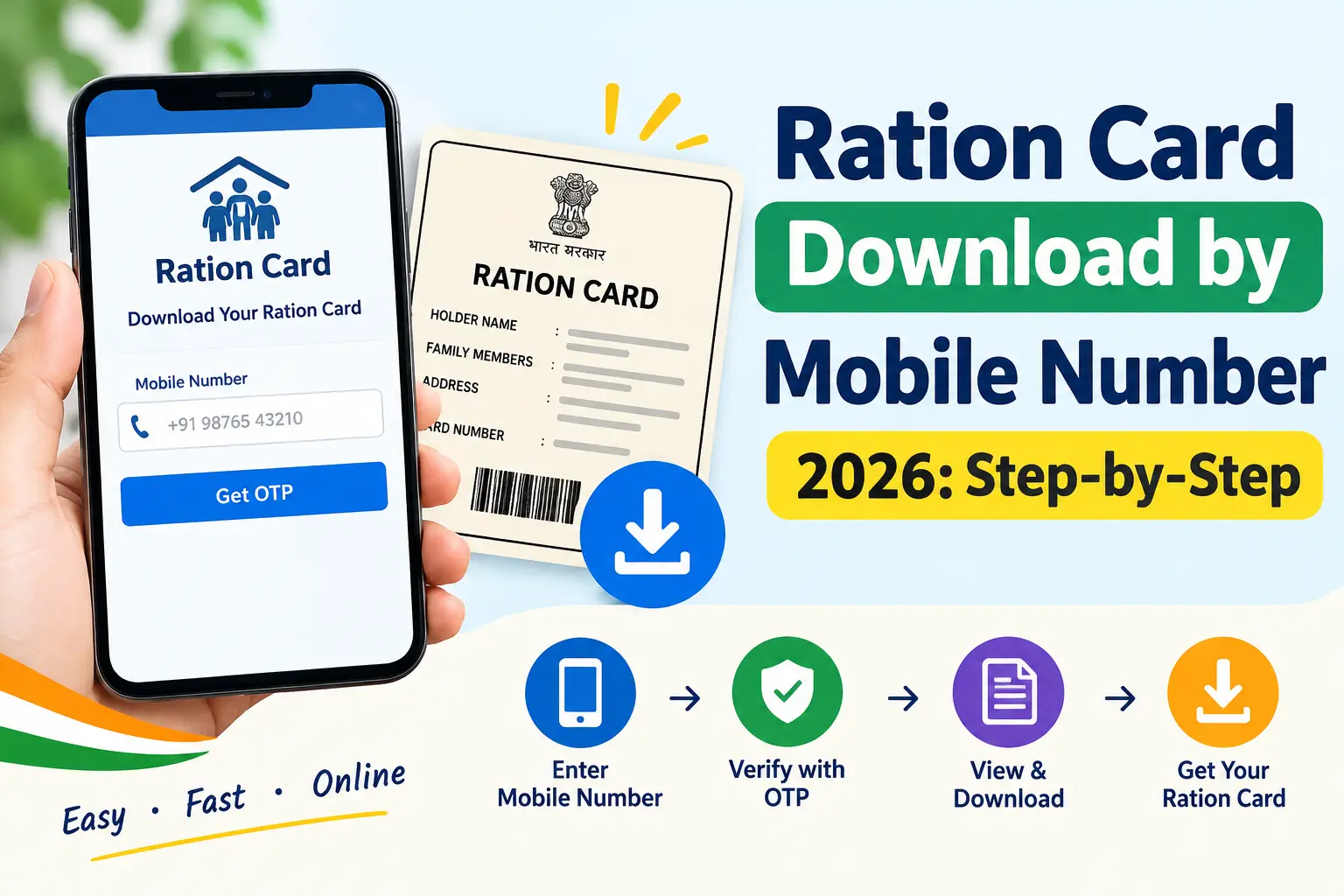
The problem usually shows up at the worst possible moment. Your ration card is locked in a cupboard at your native place, and a bank or school wants it as address proof tomorrow. Or you type your mobile number into the state portal, tap “Get OTP” — and nothing arrives, because the number the ration department has on record is one you stopped using years ago.
This guide is about solving that, not about explaining what a ration card is. Below are the working routes to download a ration card by mobile number, what each one actually demands from you, and where people typically get stuck. Your state issues the card, so the portal differs — but the logic is the same everywhere: the department matches your number against its own database, sends an OTP, and lets you pull the PDF.
What an e-Ration Card Gets You
An e-ration card is your existing card in digital form, generated from the state Food and Civil Supplies database. It carries the same head-of-family details, member list, card category (Priority Household, Antyodaya, or your state’s equivalent), and the fair price shop you’re attached to — but as a PDF with a digital signature or QR code.
Practically, three things change. You stop carrying the physical card to the shop, since your identity is verified through Aadhaar authentication on the shop’s ePoS device anyway. You gain a document that many offices accept for scheme applications. And you stop worrying about a card that can be lost, torn, or left behind when you migrate for work. Note that a download only fetches a card that already exists — it does not create one.
Discover More About:👇
Mera Ration 2.0 App: Download, Login & Features
Ration Card Status: How to Check Rice Card Status with Aadhaar Number in AP & Telangana
Downloading Your Ration Card by Mobile Number: The Working Methods
Three routes cover most of the country. Try them in this order.
Method 1: Your State’s PDS Portal
State portals query the state database directly, which is why they usually work when the central apps don’t.
- Open your state’s food and civil supplies portal — for example, food.wb.gov.in (West Bengal), tnpds.gov.in (Tamil Nadu), ahara.karnataka.gov.in (Karnataka), or fcs.up.gov.in (Uttar Pradesh).
- Find the link marked “Download e-Ration Card”, “RC Details”, or “Beneficiary Services”.
- Choose the mobile-number search option if your state offers one. West Bengal and Tamil Nadu, among others, do; several states only allow search by ration card number or Aadhaar number.
- Enter the registered mobile number and the captcha.
- Enter the OTP you receive.
- Check the displayed details — member names, address, shop — before downloading.
- Save the PDF using the Download or Print option.
Where people get stuck: the captcha often refreshes silently on a slow connection, so what you typed no longer matches. On desktop browsers, a long gap between pages can time out your session and force a restart. If the OTP never arrives, don’t keep retrying — you’re likely using a number that isn’t registered, and the state portal route won’t help until that’s fixed.
Method 2: Mera Ration 2.0 App
Built by the National Informatics Centre, this app works for states covered under One Nation One Ration Card (ONORC), the scheme that lets you draw your entitlement from any fair price shop in the country.
- Install Mera Ration 2.0 from the Play Store or App Store.
- Pick your language.
- Choose “Beneficiary Login” and enter the Aadhaar number of a family member listed on the card.
- Log in with the OTP sent to the Aadhaar-linked mobile number.
- The dashboard shows your members, monthly entitlement, and attached shop.
- Open the ration card option and download.
Here the OTP goes to the number linked with Aadhaar — not necessarily the number your ration card was registered with. That mismatch trips up a lot of people. The app is also useful after the download: you can check past transactions and see whether your entitlement was actually lifted.
Method 3: DigiLocker
DigiLocker is the central document wallet, and documents pulled through it carry legal validity under the IT Act framework.
- Open the DigiLocker app or digilocker.gov.in.
- Sign in with your Aadhaar-linked mobile number. First-time users verify the number via OTP and set a username and password.
- Link Aadhaar if it isn’t linked already.
- Under “Search Documents”, type “ration card”.
- Select your state’s Food and Civil Supplies or PDS department.
- Enter your ration card number and submit.
- The card appears under “Issued Documents” — open or download it from there.
Once fetched, it stays in your account and re-syncs from the source database, so you’re not stuck with an old copy after a correction.
State Apps: The AP Ration Card Download App Example
Andhra Pradesh is a useful illustration of how states layer their own tools on top of the central ones. The GSWS (Grama/Ward Sachivalayam) app bundles ration card services with other village-level services. AP residents can also pull the Rice Card through DigiLocker by choosing “Food and Civil Supplies Department, Andhra Pradesh”, or through the AePDS portal at aepos.ap.gov.in using the 12-digit Rice Card number or Aadhaar number.
For AP cardholders, one condition matters more than the download itself: biometric e-KYC must be complete for every family member. With e-KYC pending, the card may neither download nor work at the shop during distribution.
Documents and Details to Keep Ready
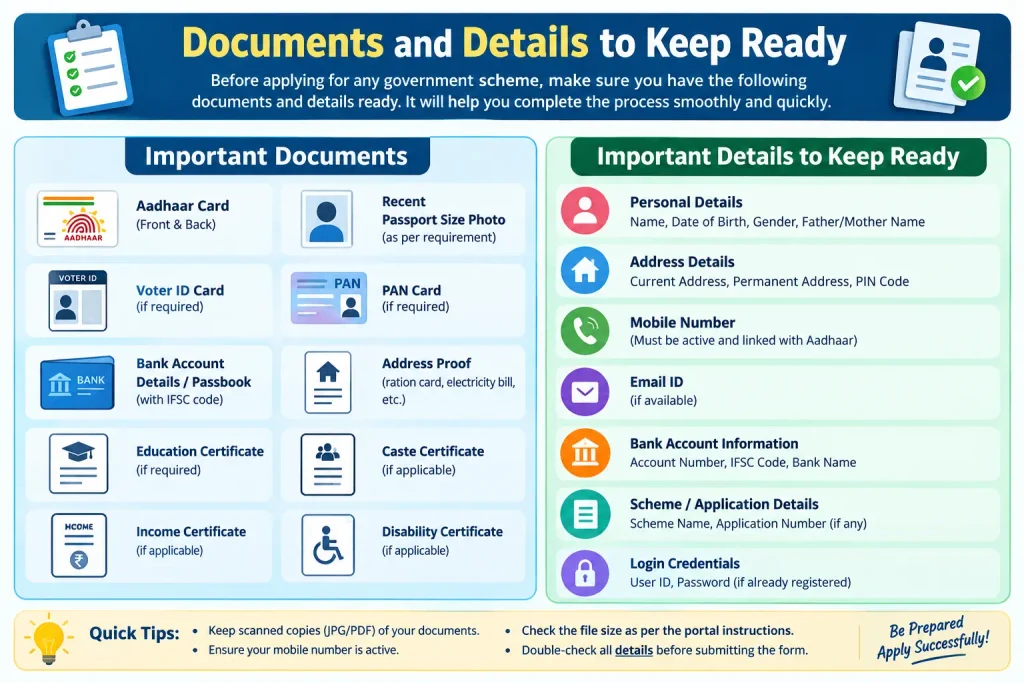
Because you’re retrieving an existing card, the list is short:
- The registered mobile number — the one the ration department or your Aadhaar record actually holds.
- Ration card number, printed on your physical card or any ration receipt. Some portals accept Aadhaar in its place.
- Aadhaar number of any member listed on the card, for Mera Ration and DigiLocker.
- An Aadhaar-linked mobile number — often a different number from the one on the ration record.
If your number isn’t registered with either, fix that first: your state food department can update the ration card record, and an Aadhaar enrolment centre can add or change the mobile number linked to Aadhaar.
Common Mistakes That Block the Download
- Using an Aadhaar-linked number for a state portal search, or vice versa. Match the number to the method — state portals want the ration-registered number, central apps want the Aadhaar-linked one.
- Ignoring pending e-KYC. An increasing number of states require biometric e-KYC for adult members before the card is usable or downloadable.
- A name mismatch between Aadhaar and the ration record. Even a spelling variation or a missing surname can break DigiLocker’s matching. Get the record corrected first.
- Expecting the download to work as an application. If your family has no ration card yet, apply through the state portal or your local ration office.
- Skipping the verification step. Open the saved PDF and confirm member names, category, and shop details. Errors are easier to fix before you rely on the document.
FAQs
Can I download my ration card with only a mobile number?
In several states, yes — West Bengal and Tamil Nadu, for instance, accept a registered mobile number plus OTP. Where that option doesn’t exist, use your ration card number or Aadhaar number on the same portal.
Does the downloaded e-ration card count as a valid document?
Yes. It carries a digital signature or QR code and is accepted for collecting ration and as supporting proof for many schemes. If an office insists on the physical card, that’s a local practice, not a legal requirement.
What if no mobile number is linked to my Aadhaar?
Use your state PDS portal with the ration card number — that route doesn’t depend on Aadhaar. Separately, get the number linked at an Aadhaar enrolment centre so the app-based options open up for you later.
Why isn’t my ration card showing in DigiLocker?
Usually a name mismatch between Aadhaar and the ration record, or a recent correction the database hasn’t synced yet. Confirm you’ve picked the correct state department. If it still fails, verify your details at the local food supplies office.
Can I download the card for another family member?
If you’re listed on the same card, yes. Mera Ration and most state portals let any adult member on the card view and download it for the whole family.
Is there any fee?
No. State portals, Mera Ration 2.0, and DigiLocker are all free. Anyone charging you for an e-ration card download is not acting on behalf of the government.
If a download fails right after you’ve corrected a name, added a member, or completed e-KYC, don’t assume it’s broken — the state database often needs time to reflect the change, so retry after a day or two rather than filing the same correction again. And when a portal behaves differently from this guide, trust the portal: state rules and interfaces change quietly, and your district food supplies office can confirm what currently applies in your case.
