

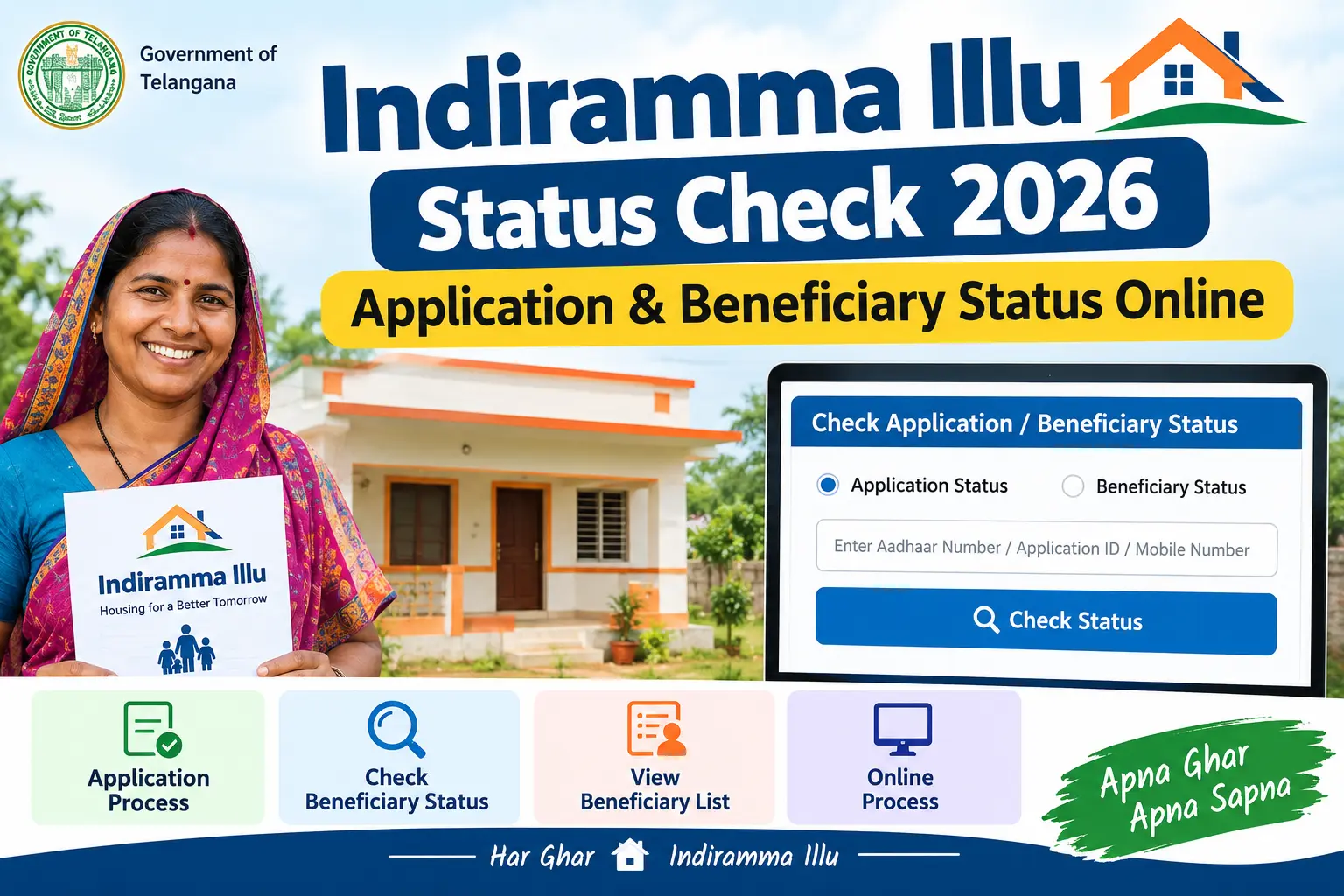
You filled in the Praja Palana form, collected the acknowledgement slip, and waited. Months later, neighbours are comparing their L1 and L2 tags while your own Indiramma Illu status still shows nothing you can interpret. That gap — between submitting an application and knowing what happened to it — is what this guide is meant to close.
Below you’ll find where to check your status on the official Telangana portal, what the L1/L2/L3 categories mean for your chances, how to search the beneficiary list for your own name, and what to do when the search returns no record at all. The lookup itself takes a few minutes. Understanding the answer takes a little longer.
What the Scheme Provides
Indiramma Indlu is Telangana’s housing welfare programme for homeless and low-income families. It runs on two tracks. Applicants who already own a small plot but no pucca house are considered for construction assistance on that plot. Landless families are considered for a government residential plot, along with assistance to build on it. Financial assistance under the scheme has been commonly reported at around ₹5 lakh per beneficiary, though sanctioned amounts and phase targets are revised from time to time — confirm the current figure on the official portal rather than relying on a number forwarded on WhatsApp.
The money does not arrive in one transfer. It is released in instalments tied to construction milestones — foundation, roof level, completion — and credited straight to the beneficiary’s bank account through DBT (Direct Benefit Transfer, where the government pays into your account without an intermediary). Applications filed under Praja Palana are considered under this scheme. Eligibility is verified by district-level teams, and the final lists are placed before the Gram Sabha or Ward Sabha for approval.
Discover More About:👇
Aadhaar Status Check – How to Check Enrolment & Update Status Online
Ration Card Status: How to Check Rice Card Status with Aadhaar Number in AP & Telangana
L1, L2 and L3: What Your Category Actually Means
The tag against your name is not cosmetic. It decides whether you get a plot, get construction money, or get nothing.
L1 — You own some land but no permanent house. Expect assistance to build on your existing plot.
L2 — You own neither land nor a house. This is the highest-priority group; beneficiaries are considered for a plot from the government plus construction assistance.
L3 — You already own a pucca house or a four-wheeler, or you fall under other exclusion criteria. L3 applicants are generally not sanctioned benefits under this scheme.
If your application sits in L3 and you believe that’s wrong — the house in the records belongs to a relative, say, not to you — the objection route matters far more than submitting a fresh application.
How to Check Indiramma Illu Status Online, Step by Step
The check runs through the official portal at indirammaindlu.telangana.gov.in. The scheme name is spelled several ways across the web — Indiramma Indlu, Indiramma Illu, even Indramma Indlu — but there is only one official portal. Keep your documents within reach before you begin, because the search only pulls up your record against details that match the original application.
Step 1 — Open the official portal. Go to https://indirammaindlu.telangana.gov.in, preferably on a desktop browser. The site is image-heavy, and mobile browsers on slow connections sometimes fail to load the search module.
Step 2 — Find “Application Search.” On the homepage, look for the Application Search link. Depending on the version of the site you land on, it may sit under a “More” menu instead of on the front page.
Step 3 — Choose one identifier. You can typically search using any one of the following:
- Your 12-digit Aadhaar number
- The mobile number registered with your application
- Your Application ID or Praja Palana application number
- Your Food Security Card (FSC) number — the ration card number
The Praja Palana acknowledgement number is the most dependable of the four, because it is tied directly to your submission. Aadhaar works too, but only if the number on your application matches your current Aadhaar exactly.
Step 4 — Enter the details and submit. Type carefully. A single transposed digit returns “no record found,” which is not the same thing as a rejection.
Step 5 — Read the result. The page shows whether your application is pending, approved, or rejected; your L1/L2/L3 category; whether field or land verification has been completed; and, where relevant, the recorded reason for non-sanction.
Where people get stuck
Three problems come up again and again. An OTP that never arrives — usually because the mobile number on the application is no longer active or was entered incorrectly at the time. A session timeout: leave the search page open while you hunt for your ration card and the portal may log you out, forcing you to start over. And spelling mismatches. If your ration card reads “Lakshmi Devi” while your Aadhaar reads “Laxmi Devi,” a name-based search can miss you entirely.
One caution worth stating plainly: no one needs your Aadhaar OTP, your bank details, or a fee to “update” your name in the list. Anyone who claims otherwise is not connected to the scheme.
Running a Beneficiary Search on the Published Lists
The individual search tells you about your own application. The published lists tell you what has actually been sanctioned, district by district. The beneficiary search is how you cross-check one against the other.
Open the official portal, find the “Indiramma Indlu List” or “Sanction List” section, select your district, and download the PDF. These files run long, so use your PDF reader’s search function rather than scrolling. Search using the exact spelling that appears in your application records, including surname order. Lists are released in phases rather than all at once — the first phase list came out in early 2025, with later phases added progressively — so your district may appear in one release and not the next.
If your district’s list is out and your name isn’t in it, that is the point at which the individual status search earns its keep, because it usually tells you why.
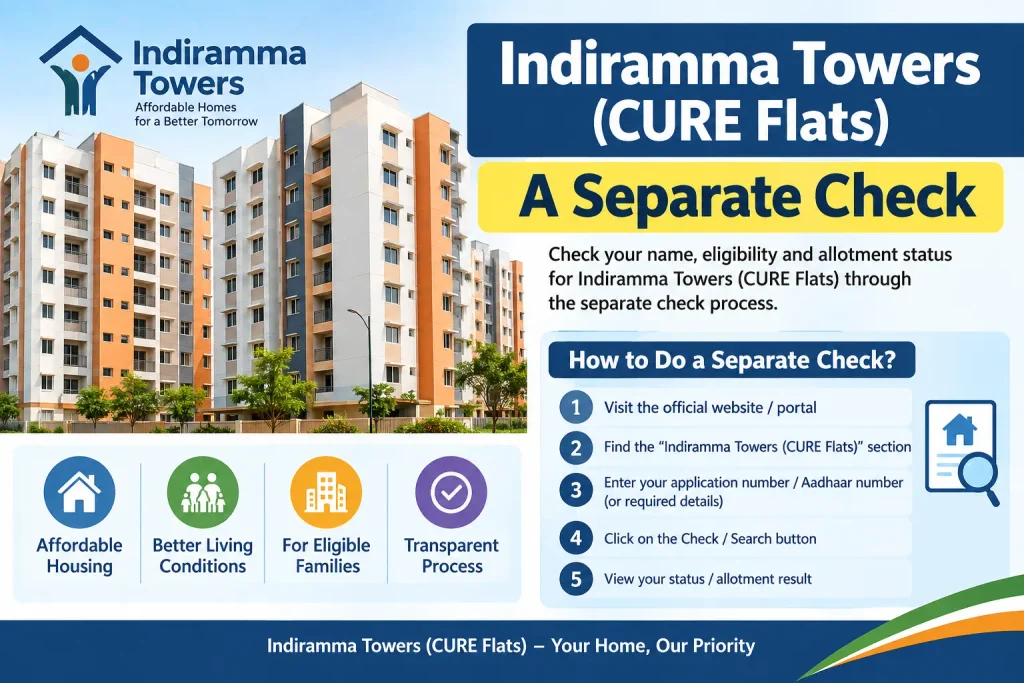
Indiramma Towers (CURE Flats): A Separate Check
Applicants for flats under the Indiramma Towers or CURE scheme in Hyderabad do not use the main portal. Their applications sit with the Telangana Housing Board.
To check allotment, go to https://tghb.telangana.gov.in/cure-status, select the CURE Status option, enter your application or registration number, and submit. MeeSeva also links across to this page. Payment and instalment details for CURE beneficiaries are generally visible on the Housing Board site as well. For anything the portal doesn’t answer, use the contact details published on the Board’s own page — not numbers forwarded through messaging apps.
If Your Name Doesn’t Appear
Four explanations cover most cases.
Verification is still running. Field verification and Gram Sabha or Ward Sabha approval take time. An application can sit in this stage for months without any visible change.
You’ve been placed in L3. Owning a pucca house or a four-wheeler, or having received housing benefits under an earlier scheme, will usually push an application out of eligibility.
A detail doesn’t match. Aadhaar numbers, mobile numbers, and names must line up with what’s on record. Try a different identifier before drawing conclusions.
The list isn’t out yet. Phase releases are staggered. Absence from a list that hasn’t been published for your area means nothing at all.
If you’re confident the categorisation is wrong, use the grievance redressal option on the portal. Keep your acknowledgement number and any verification receipts — they speed up the response considerably.
Frequently Asked Questions
Can I check the status without an Aadhaar number?
Yes. The portal accepts your registered mobile number, application ID, or FSC number in place of Aadhaar. Any one of them is enough.
What does the status shown on the Telangana portal actually indicate?
It reflects the current stage of your application — pending verification, approved, or rejected — along with your category and, if rejected, the recorded reason.
Is there a different portal for Phase 2?
No. Phase 2 lists appear on the same site, under the Sanction List or Beneficiary List section. Check there for the latest release.
Does the process differ for 2025 and 2026 applications?
No. The search works the same way regardless of when you applied; the result reflects your application’s present position.
My status shows “rejected.” What now?
The portal normally displays the reason. Raise a grievance through the portal’s redressal section, and for case-specific queries approach your local housing department or the District Collector’s office.
Can I check through MeeSeva?
For Indiramma Towers (CURE) flats, yes — MeeSeva links to the Housing Board’s CURE status page. Regular Indiramma Indlu applications are checked on the dedicated portal.
Before You Check Again
Statuses do not change daily. Field verification, Sabha approval, and list publication all move on their own schedule, so refreshing the page every morning will only add frustration — once a fortnight is usually enough, or whenever your district announces a new phase list. What is worth doing in the meantime is confirming that the mobile number and Aadhaar details on your application are still current, since a dead number is the single most common reason applicants cannot retrieve their own record. And if a grievance sits unanswered for a long stretch, an RTI query or a visit to the district housing office tends to move things faster than another refresh of the portal.

1 Comment
Pingback: Indiramma Illu List 2026: Sanction & Beneficiary List