

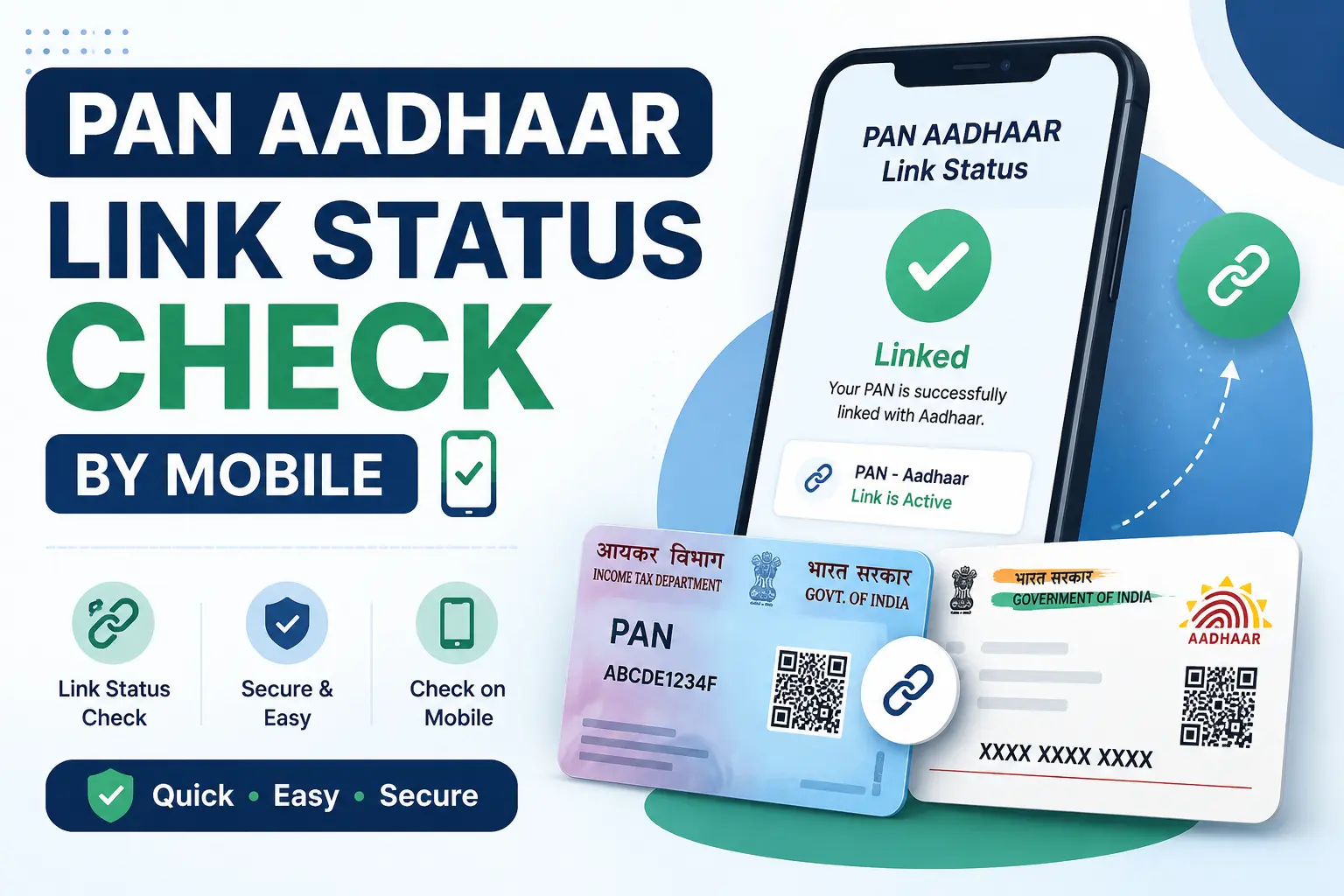
If you have ever opened the Income Tax portal and wondered, “Is my PAN actually linked to Aadhaar?” you are not alone. And yes, you can check this from your mobile phone in under one minute.
But here is the catch most people miss: checking from a mobile phone is not the same as checking using your mobile number.
The official Income Tax Department status checker requires your PAN number and your Aadhaar number. Your mobile number alone will not work for this.
This guide walks you through the exact official process step by step so you can verify your status instantly, understand what the result means, and know exactly what to do next.
Quick Answer
Yes, you can check your PAN-Aadhaar link status from your mobile phone using the official Income Tax e-Filing portal.
- No login required.
- No OTP required for status checking.
- No payment or fee.
- All you need: your 10‑digit PAN and 12‑digit Aadhaar number.
Open incometax.gov.in on your mobile browser, go to Quick Links → Link Aadhaar Status, enter both numbers, and view your status instantly.
Quick Facts — PAN-Aadhaar Link Status
| Detail | Information |
|---|---|
| Official service name | Link Aadhaar Status |
| Governing authority | Income Tax Department, Ministry of Finance |
| Official portal | incometax.gov.in |
| Can you check from a mobile phone? | Yes — mobile browser supported |
| Login required? | No (pre-login service available under Quick Links) |
| PAN number required? | Yes |
| Aadhaar number required? | Yes |
| Mobile number required? | No |
| OTP required for status check? | No |
| Cost to check status? | Free |
| What if status says pending? | Wait 1‑2 days and check again; UIDAI validation may be in progress |
What Exactly Is PAN-Aadhaar Link Status?
Your PAN-Aadhaar link status tells you whether your Permanent Account Number (PAN) is successfully linked to your Aadhaar in the Income Tax Department’s database.
This linking is mandatory under Section 139AA of the Income Tax Act (now Section 262 under the Income Tax Act 2025).
If your PAN is not linked, it becomes inoperative meaning you cannot file income tax returns, receive refunds, or complete certain financial transactions.
Important distinction: Checking your status is completely separate from the actual linking process. You can check for free, anytime, without starting the linking process or paying any fee.
What You Need to Check PAN-Aadhaar Link Status from Mobile
Before you begin, keep these two numbers ready:
- PAN number — 10‑digit alphanumeric (e.g., ABCDE1234F)
- Aadhaar number — 12‑digit number
You do NOT need:
- Login credentials
- OTP
- Your mobile number
- Any payment or fee
- Any third‑party app or agent
Discover More About:👇
PAN Card Status Check by Aadhaar Number | What Works and What Doesn’t (2026)
Step‑by‑Step: How to Check PAN Aadhaar Link Status by Mobile
Follow these steps from your smartphone:
Step 1 — Open the Official Income Tax e‑Filing Portal
Open your mobile browser and go to:
incometax.gov.in
⚠️ Always check the domain. The official website ends with
.gov.in. Do not enter your details on any other site.
Step 2 — Navigate to “Link Aadhaar Status”
On the homepage, look for Quick Links. Tap on Link Aadhaar Status.
Step 3 — Enter Your Details
Enter your:
- PAN number (10 digits)
- Aadhaar number (12 digits)
Double‑check both numbers before submitting. A single digit error can show an incorrect status.
Step 4 — View Your Status
Tap View Link Aadhaar Status. The system will display your current linking status within seconds.
Step 5 — Understand What You See
Your status will be one of the results explained in the next section.
What Each PAN-Aadhaar Link Status Means
| Status Message | Meaning | What You Should Do |
|---|---|---|
| “Your PAN is already linked to given Aadhaar” | ✅ Your PAN and Aadhaar are successfully linked. | No further action needed. |
| “Your Aadhaar-PAN linking request has been sent to UIDAI for validation. Please check the status later.” | ⏳ Your linking request is pending UIDAI validation. | Wait 1‑2 days and check again. Do not resubmit. |
| “PAN not linked with Aadhaar. Please click on ‘Link Aadhaar’ to link your Aadhaar with PAN.” | ❌ No link exists between your PAN and Aadhaar. | Complete the linking process (fee may apply if deadline missed). |
| “Aadhaar is already associated with PAN (number) in ITD database.” | ✅ Your Aadhaar is linked to the PAN shown. | No action needed. |
| “PAN linked with another Aadhaar” or “Aadhaar linked with another PAN” | ⚠️ Your PAN/Aadhaar is associated with a different record. | Do not try to link again. Contact Income Tax Department through official grievance channels. |
Can I Check PAN-Aadhaar Link Status Using Only My Mobile Number?
No.
The official Income Tax Department service does not allow status checking using only a mobile number.
Here is the distinction many users miss:
| Method | Works? | What You Need |
|---|---|---|
| From a mobile phone (browser) | ✅ Yes | PAN + Aadhaar numbers |
| Using your mobile number (only) | ❌ No | Not supported |
| Through SMS | ✅ Yes (but requires both numbers) | UIDPAN <Aadhaar> <PAN> to 567678 or 56161 |
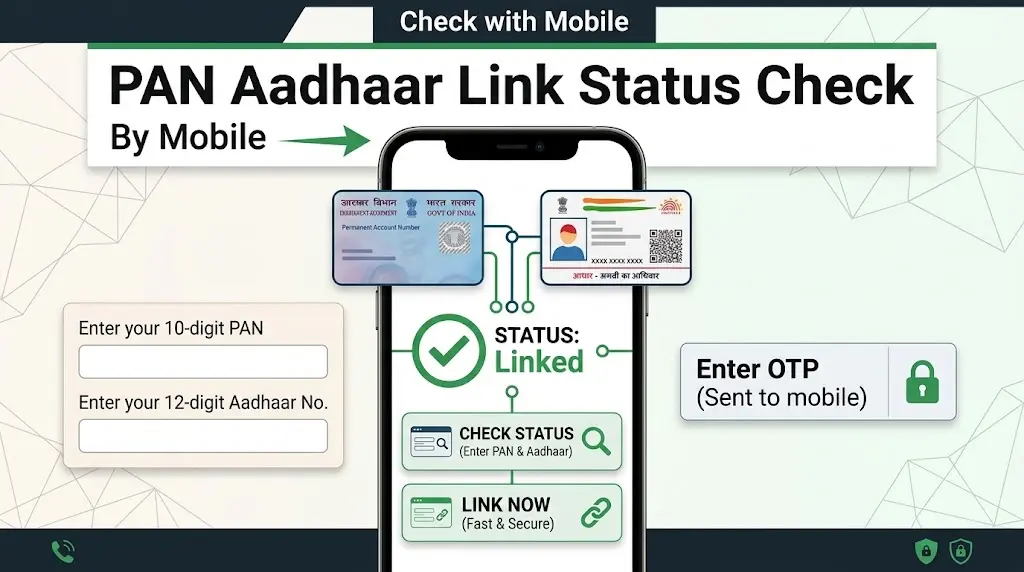
The SMS option (UIDPAN) still requires both your Aadhaar and PAN numbers — not just your mobile number.
PAN-Aadhaar Link Status Pending? Here’s What to Do
If you see a pending or “sent to UIDAI for validation” message:
- Wait. Your request is with UIDAI for verification. This can take 1‑2 days or more.
- Do not resubmit. Repeated requests while one is pending can create confusion.
- Check again after 24‑48 hours using the same Link Aadhaar Status option.
- If you recently paid a fee: wait 4‑5 working days for payment verification before submitting a linking request.
Pending does not mean failed. It means the system is processing your request — give it time.
PAN-Aadhaar Link Status Failed or Shows a Mismatch
Name / DOB / Gender Mismatch
If your PAN and Aadhaar details do not match exactly (name spelling, date of birth, or gender), the linking will fail.
What to do:
- Correct Aadhaar details through the UIDAI portal or at an Aadhaar Seva Kendra.
- Correct PAN details through Protean (NSDL) or UTIITSL.
PAN Linked with Another Aadhaar / Aadhaar Linked with Another PAN
If you see this message, your record is associated with a different Aadhaar or PAN.
What to do:
- Do not try to link again — it will not work.
- Contact the Income Tax Department through official grievance channels.
- In many cases, a Jurisdictional Assessing Officer (JAO) may need to assist with delinking.
“Linked but Showing Unlinked” — Contradictory Status
Some users have reported seeing different statuses on different parts of the Income Tax portal for example, the pre‑login status page says “linked” while the logged‑in dashboard says “unlinked.”
This is a user‑reported experience, not proof that the system generally behaves this way.
What to do:
- Verify your status again using the official Link Aadhaar Status pre‑login route.
- Take screenshots of both screens showing the contradictory results.
- If the problem persists, raise a grievance through the official Income Tax e‑Filing portal.
- Do not repeatedly pay fees or submit duplicate linking requests.
Is PAN-Aadhaar Status Checking Free?
Yes — status checking is completely free.
The ₹1,000 fee you may have heard about is a penalty for delayed linking under Section 234H.
It applies only when you actually link your PAN with Aadhaar after the deadline not for checking the status.
Current context (August 2026):
- The linking deadline was December 31, 2025.
- PANs that remain unlinked became inoperative from January 1, 2026.
- Delayed linking now requires payment of ₹1,000.
What Happens If My PAN Is Inoperative?
Since the deadline has passed, unlinked PANs are now inoperative.
Consequences:
- You cannot file income tax returns.
- Tax refunds may be held or blocked.
- Higher TDS/TCS rates apply (typically 20% instead of normal).
- Some financial transactions requiring PAN may be restricted.
To reactivate an inoperative PAN:
- Pay the ₹1,000 fee through e‑Pay Tax on the Income Tax portal.
- Complete the Aadhaar‑PAN linking process.
- PAN becomes operative again — this can take up to 30 days.
Security Warning — Avoid Scams
🚨 Protect your personal information:
- ✅ Only use the official portal:
incometax.gov.in - ❌ Never share your PAN, Aadhaar, or OTP with anyone.
- ❌ Never pay anyone to “check your status” — it is free.
- ❌ Never download unofficial APKs claiming to provide PAN‑Aadhaar services.
- ✅ Always check the domain before entering personal details — look for
.gov.in.
The Income Tax Department and UIDAI never ask for OTP, PAN, or Aadhaar through phone calls, SMS, or WhatsApp.
Common Problems — Quick Fixes
| Problem | What to Check | Solution |
|---|---|---|
| Status says “not found” | PAN/Aadhaar entry | Re‑enter both numbers carefully. Remove extra spaces. |
| Pending for many days | Recent linking request | Wait; UIDAI validation can take time. Check grievance channel if >7 days. |
| “Details mismatch” | Name/DOB in PAN vs Aadhaar | Correct mismatches in PAN or Aadhaar before resubmitting. |
| Portal not loading | Internet connection | Try again later. Use SMS method (UIDPAN) as backup. |
| Status differs across portal | System sync issue | Document both screens. Raise official grievance. |
Discover More About:👇
PAN Card Status Check by Aadhaar Number
Frequently Asked Questions
1. How can I check PAN Aadhaar link status by mobile?
Open the Income Tax e‑Filing portal on your mobile browser → Quick Links → Link Aadhaar Status → Enter PAN and Aadhaar → View status. No login or OTP required.
2. Can I check PAN-Aadhaar link status using my mobile number?
No. The official status check requires your PAN and Aadhaar numbers. Your mobile number alone cannot be used.
3. Can I check PAN-Aadhaar status without login?
Yes. The “Link Aadhaar Status” service is available under Quick Links without logging in.
4. Is PAN-Aadhaar status checking free?
Yes — completely free. The ₹1,000 fee applies only to delayed linking, not to checking status.
5. What if my PAN-Aadhaar status shows pending?
Your request is with UIDAI for validation. Wait 1‑2 days and check again. Do not resubmit while pending.
6. What if PAN is linked with another Aadhaar?
Do not try to link again. Contact the Income Tax Department through official grievance channels a Jurisdictional Assessing Officer may need to assist.
7. What if Aadhaar is linked with another PAN?
The same process applies — contact Income Tax Department through official channels. Repeated linking attempts will not work.
8. Why does my PAN show linked in one place but unlinked elsewhere?
Some users have reported inconsistent status across different portal sections. Document both screens with screenshots and raise a grievance through the official portal.
9. How do I know whether my PAN is inoperative?
Check your status via Link Aadhaar Status. If it shows “not linked” or “inoperative,” and you missed the December 31, 2025 deadline, your PAN is inoperative.
10. Which is the official website for PAN-Aadhaar status checking?
incometax.gov.in — the official Income Tax e‑Filing portal. Always verify the .gov.in domain before entering personal details.
Disclaimer: This is an independent informational guide and is not affiliated with or endorsed by the Income Tax Department or UIDAI.
Government rules, fees, and portal interfaces may change. Always verify the latest information on the official government portal before completing any transaction.

1 Comment
Pingback: SEO Title: PAN Card Status Check by Aadhaar Number (2026)