

Your Yuva Sathi application was submitted weeks ago, but the SMS confirmation never arrived—or worse, the portal still shows “Submitted” while neighbours have already received their first payment. If that sounds familiar, you are not alone. Lakhs of applications for West Bengal’s Banglar Yuva Sathi scheme (বাংলার যুব সাথী) are still moving through verification, and the only reliable way to know what is happening with yours is to run a yuva sathi status check on the official portal. This guide covers the exact steps, what each status message actually means, the documents you should have kept aside, and the errors that quietly stall applications for months.
What Is the Yuva Sathi Scheme?
The Banglar Yuva Sathi scheme is a West Bengal government welfare programme that pays a monthly stipend to unemployed youth in the state. It is commonly called “Bekar Bhata” (unemployment allowance). Eligible applicants receive the amount directly in their bank accounts through Direct Benefit Transfer (DBT), provided they meet the age and eligibility conditions notified by the state.
The application window for Yuva Sathi Prakalpa (যুব সাথী প্রকল্প আবেদন) opened in mid-February 2026 and accepted forms both online and at Duare Sarkar camps across all 294 assembly constituencies. That window has now closed. What remains is verification, approval, and payment—a process that runs on official time, not on how urgently you need the money. Checking your status periodically is the only way to confirm your form was recorded correctly and that your documents are actually being processed.
Discover More About:👇
DBT Status Check with Mobile Number (2026 Guide)
Aadhaar Status Check – How to Check Enrolment & Update Status Online
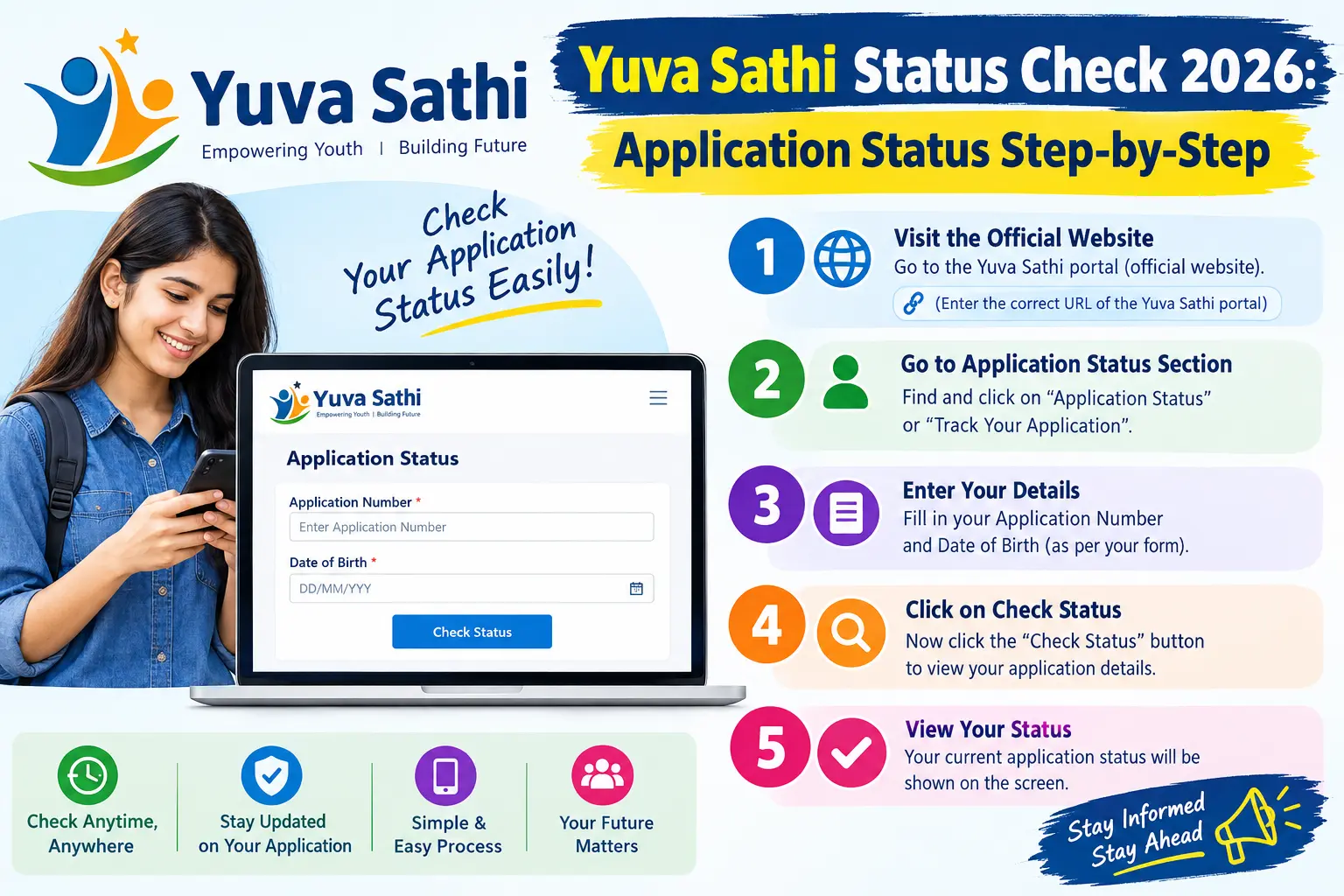
How to Do a Yuva Sathi Status Check Online: Step-by-Step
The state government runs an official portal for tracking applications. Here is how the process works in practice.
Step 1: Open the Official Portal
Go to the Yuva Sathi portal at yubasathi.wb.gov.in. The status check is also accessible through the APAS portal (apas.wb.gov.in), West Bengal’s integrated service delivery platform. Use a desktop browser if possible—the portal occasionally times out on older mobile browsers, especially during peak hours.
Step 2: Find the Status Check Link
On the homepage, look for options labelled “Check Status” , “Track Application” , or “Application Status” . The exact wording changes with portal updates, so scan the menu rather than looking for one specific phrase.
Step 3: Enter Your Registered Mobile Number
Enter the mobile number you used when you first registered. This is the number that received your registration OTP. Using a different number will not pull up your application—the system matches the mobile number to the application record, not to your name or Aadhaar.
Step 4: Fill the Captcha and Request the OTP
Complete the captcha and click “Get OTP” . An SMS with a one-time password goes to your registered number.
Common pitfall: If the OTP does not arrive within two minutes, do not keep clicking. Wait, then retry once. Repeated requests can temporarily block the number. Also check whether DND is active on your SIM—transactional SMS from government portals sometimes gets filtered.
Step 5: Enter the OTP and View Your Status
Type the OTP and verify. Your application status appears on screen, and in most cases you can download or print the submitted form for your records.
Second pitfall: The session expires quickly. If you leave the page idle while hunting for your OTP, you may have to start over. Keep your phone in hand before you click “Get OTP.”
What Each Application Status Message Means
Once you log in, you will see one of the following. These are the standard stages most applicants pass through:
- Submitted — The system has received your form; verification has not begun.
- Under Verification — Officials are checking your documents and details.
- Verified — Your documents have cleared scrutiny.
- Approved — Your application is sanctioned; payment processing will begin.
- Payment in Process — The DBT transfer has been initiated to your bank.
- Payment Credited — The amount has reached your account. Confirm via passbook or mobile banking.
- Rejected — The application has been declined. The reason is usually shown on the status page or sent by SMS.
The portal does not update in real time. Verification is manual, handled block by block, and officials update records as they clear batches. Seeing “Submitted” for several weeks is normal, not a red flag. Seeing it for months while others in your block have moved ahead is worth following up in person.
Documents Required for Yuva Sathi Application
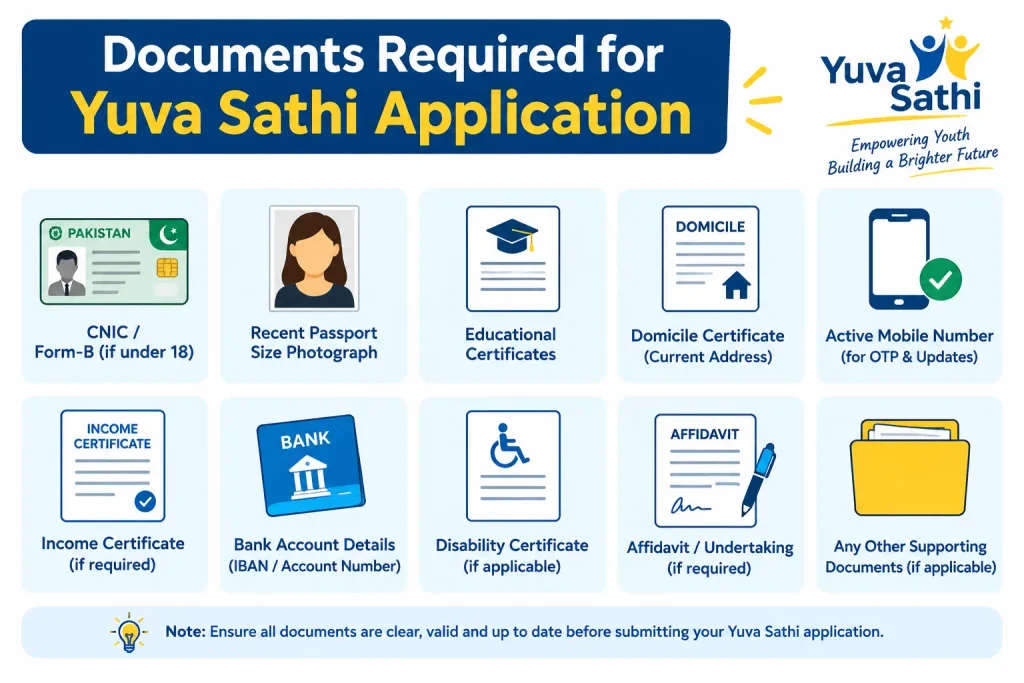
You submitted these at the time of application. Keeping digital copies handy helps if you need to re-check details or respond to an objection:
- Madhyamik (or equivalent) admit card — PDF
- Madhyamik (or equivalent) mark sheet or certificate — PDF
- Aadhaar card copy — PDF
- Voter card copy — PDF
- First page of bank passbook — PDF
- SC/ST/OBC certificate, if applicable — PDF
- Recent passport-size photograph — JPG or PNG
- Applicant’s signature — JPG or PNG
A working mobile number is equally essential. Every OTP and status alert goes to it. If any document was blurry, mismatched, or uploaded in the wrong format, the verification team may flag the application and ask for a correction.
Common Mistakes That Delay Verification
Most delays trace back to a handful of avoidable errors:
- Joint bank account — The scheme requires a single account in the applicant’s own name. Joint accounts are routinely flagged.
- Unsigned photograph — Forgetting to sign across the photo is one of the most frequent reasons for objection.
- Wrong age proof — Submitting a document that does not match the prescribed list can trigger rejection.
- Incorrect IFSC or account number — Even a single wrong digit stops the DBT credit from landing.
- Different mobile number at status check — If you use a number other than the registered one, you cannot receive the OTP.
- Blocking unknown SMS — Official updates arrive as SMS. Filtering them out means missing objection notices.
If you spot a mistake in your submitted form, do not panic. Minor issues are usually tagged as “objection” or “dispute” and you may get a chance to correct them. For anything serious, visit your nearest Duare Sarkar camp or BDO/SDO office with your application ID and Aadhaar card.
What to Do If Your Status Is Not Showing
Three things usually explain a blank or missing status. First, verification may not have started for your application, so the status-check option returns nothing. Second, you may have entered the application ID or mobile number incorrectly. Third, if you applied offline at a Duare Sarkar camp, your details may not yet be uploaded to the online system—offline entries lag behind online ones.
If none of these apply and the status still does not appear, visit your nearest Duare Sarkar camp with your application ID, Aadhaar card, and registered mobile number. Officials can pull up your record from the backend and tell you exactly where it stands.
Frequently Asked Questions (FAQs)
Q1: Can I check my Yuva Sathi status using my Aadhaar number?
No. The online status check currently requires your registered mobile number. Aadhaar alone will not pull up the application. If you no longer have access to that number, visit your block office or Duare Sarkar camp for help.
Q2: How long does verification take?
It depends on your district’s workload and the volume of applications in your block. There is no fixed timeline. Check the portal every two to three weeks rather than daily.
Q3: Will I be told why my application was rejected?
Yes. The reason is usually shown on the status page or sent by SMS. For minor discrepancies, you may get an opportunity to correct the issue.
Q4: My status shows “Approved” but no payment has come. What now?
Check that your bank account is active, the IFSC is correct, and the account is in your own name. DBT transfers can take a few working days to reflect, especially around weekends and bank holidays.
Q5: Can I apply again if my application was rejected?
The online application window has closed. If the government announces a fresh window, it will be notified on the official portal. Until then, focus on resolving the objection on your existing application.
Q6: Where can I get in-person help?
Visit your nearest Duare Sarkar camp, or your local BDO/SDO office, with your application ID and Aadhaar card. The state has also announced a Yuva Sathi helpdesk at 6292248888 for queries.
A Final Note on Timing
If your status has not moved in four to six weeks, do not keep refreshing the portal—go to the camp or block office and ask for a manual check. Portal updates follow verification, not the other way around, so pressing the system online will not speed things up. What will help is making sure your bank details are correct and your registered mobile number is switched on when the payment finally processes.
