

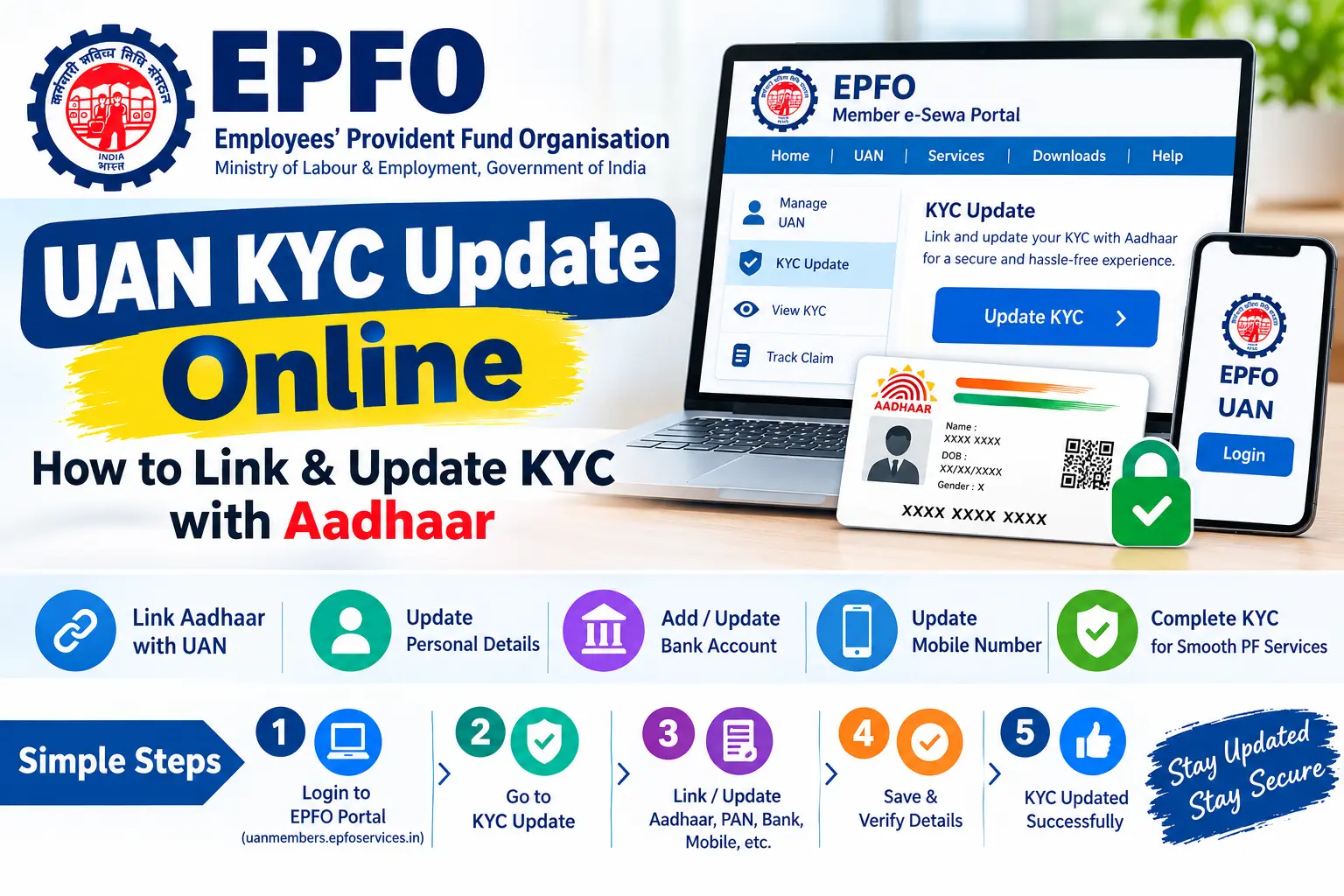
Your PF withdrawal claim is stuck. The portal says your KYC is incomplete. Or worse — you switched jobs six months ago and your transfer request has been sitting in limbo because your bank account was never verified against your UAN. These are the real consequences of an unfinished EPFO KYC update, and they tend to surface at the worst possible moment: when you actually need the money.
This guide walks through exactly how to complete your EPFO KYC update online, which documents actually get verified, and where most people get stuck for weeks.
What EPFO KYC Actually Does
KYC — Know Your Customer — is EPFO’s way of confirming that the person behind a UAN is who they claim to be. It isn’t a formality. Until your Aadhaar, PAN, and bank details are verified against your uan, the system treats your account as incomplete and blocks most digital services.
UAN, or Universal Account Number, is the 12-digit number that ties together every Member ID you’ve had across employers. Once your uan kyc clears, you can withdraw PF online, transfer balances between jobs without paperwork, and file e-Nominations from your phone.
Discover More About: 👇
E Shram Card Download by Mobile Number
Check Aadhaar Enrolment Status Online (2026) – EID/URN
SSUP Full Form: What Is Self Service Update Portal in Aadhaar?
What breaks without it:
- Online withdrawal claims get rejected at the verification stage
- Transfer requests during job changes stall indefinitely
- Missing PAN means higher TDS on your PF payout — typically 30% instead of the lower slab rate
- You stop receiving SMS alerts about credits and claim status
Read More About👇
Documents You’ll Need
Gather these before you start. Missing details mid-process is the single most common reason people abandon the form.
| Document | What You Need Ready |
|---|---|
| Aadhaar | 12-digit number, name spelled exactly as printed |
| PAN | 10-digit number, name as per card |
| Bank Account | Account number, IFSC code, branch name |
| Mobile | The number linked to your Aadhaar (for OTP) |
The mobile number matters more than people realise. If your Aadhaar is linked to an old number you no longer use, the OTP step will fail and you’ll need to update your mobile at an Aadhaar Seva Kendra before you can proceed.
Step-by-Step: EPFO KYC Update Online
This is the standard process through the EPFO Member e-Sewa portal.
Step 1: Log In
Go to the EPFO Member Portal and sign in with your UAN, password, and captcha. If your UAN is dormant, activate it first using your Member ID and mobile number.
Pitfall: The portal times out after a few minutes of inactivity. Have your Aadhaar and bank details open in front of you before you log in — don’t go hunting for your passbook mid-session.
Step 2: Open the KYC Section
Click Manage in the top menu, then select KYC. You’ll see any documents already on file and whether they’re verified.
Step 3: Pick What You’re Updating
Tick the checkbox next to Aadhaar, PAN, or Bank Account. You can do all three in one session.
Step 4: Enter the Details
Aadhaar: Type your 12-digit number and your name exactly as it appears on the card — including surname order.
PAN: Enter the 10-digit number. Your epfo pan card link determines your TDS rate on withdrawal, so a typo here has financial consequences.
Bank Account: Enter the account number twice, then the IFSC code. Hit “Verify IFSC” and confirm the branch name matches your actual branch. An epfo bank kyc failure usually traces back to an IFSC code copied from an old cheque leaf.
Pitfall: Don’t paste numbers with hidden spaces. The form accepts them, but verification fails silently and you won’t know for days.
Discover More About: 👇
Baal Aadhaar: How to Apply for Aadhaar Card for Children Online
Aadhaar Correction/Enrollment Form: Download, Fill & Submit Guide
Step 5: Save and Authenticate
Accept the declaration and click Save. An OTP goes to your Aadhaar-linked mobile. If it doesn’t arrive within a minute, don’t hammer the resend button — the portal often locks you out. Wait, check your signal, then retry.
Step 6: Track the Status
Under Manage > KYC, your request will show one of these:
- Pending with Bank — your bank is verifying the account
- Pending with Employer — waiting for digital approval
- Digitally Approved — done
How Long Verification Actually Takes
Submitting isn’t the same as verifying. Your epf kyc request moves through three stages: the bank checks your account details, your employer approves digitally using a Digital Signature Certificate, and UIDAI confirms your Aadhaar.
Bank verification is usually the slowest step. If your request has been “Pending with Bank” for more than two weeks, the problem is likely on the bank’s end — call your branch and ask if they’ve received the verification request. Don’t wait passively.
Alternative: EPFO e-KYC Portal
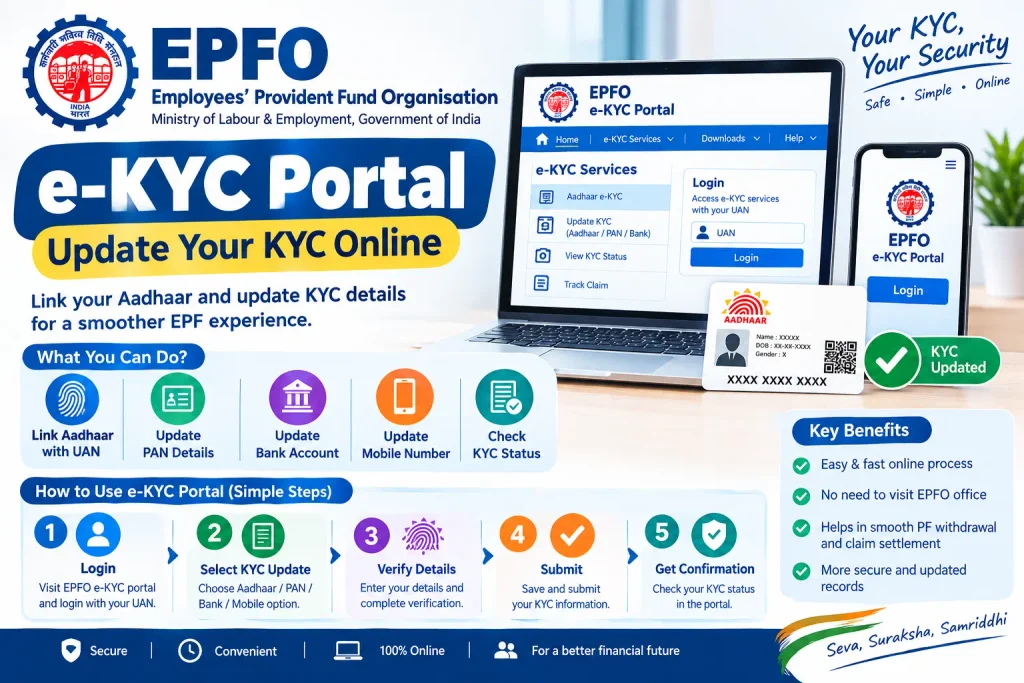
If your employer is slow to approve, the epfo e-kyc portal offers a shortcut. It authenticates your Aadhaar directly, bypassing the employer approval step. The ekyc epfo route is faster but only covers Aadhaar — you’ll still need the standard process for PAN and bank details.
You can also access this through the UMANG app if you prefer mobile.
Where People Go Wrong
Name mismatches. If your Aadhaar says “Ramesh Kumar Sharma” and your PAN says “R K Sharma,” verification fails. Fix the Aadhaar first — the PAN correction process is slower.
Wrong bank details. A wrong IFSC means your PF money could be credited elsewhere or the claim could bounce. Verify the IFSC against your cheque book, not a Google search.
Dead mobile number. No OTP, no KYC. Update your mobile at an Aadhaar centre before starting.
Unclosed previous employment. If your exit date from an old job isn’t recorded, approval gets stuck. Check your service history on the portal.
FAQs
How do I check my EPFO KYC status?
Log in and go to Manage > KYC. Statuses show as Pending, Verified, or Rejected. Approved documents appear under “Digitally Approved KYC.”
Is Aadhaar mandatory for PF withdrawal?
For online claims, yes — Aadhaar verification is generally required. Plan ahead rather than discovering this when you need funds urgently.
Can I change my bank account more than once?
Yes, as many times as needed. But you can’t change it while a claim is pending — that request must complete or be cancelled first.
What is the EPFO e-KYC portal?
It’s a service that links your uan aadhaar link through direct authentication, without needing employer sign-off.
How do I find my UAN?
Use the “Know Your UAN” feature on the EPFO portal. Enter your Aadhaar or PAN, verify via OTP, and your UAN appears.
What if my KYC gets rejected?
Check the rejection reason on the portal — usually a name mismatch or invalid number. Correct it and resubmit. If it fails repeatedly, escalate to your regional EPFO office.
One Last Thing
Check your KYC status once every few months, not once every few years. Details drift — bank branches merge, IFSC codes change, employers update their records. A KYC that was verified in 2021 may not reflect your current situation. Give any new update at least ten working days before following up, and if it’s still stuck after that, call your bank branch directly rather than waiting on the portal.

4 Comments
Pingback: Check Aadhaar Enrolment Status Online (2026) – EID/URN
Pingback: E Shram Card Download by Mobile Number
Pingback: Baal Aadhaar: How to Apply for Aadhaar Card for Children
Pingback: Aadhar Card Correction Online Guide