

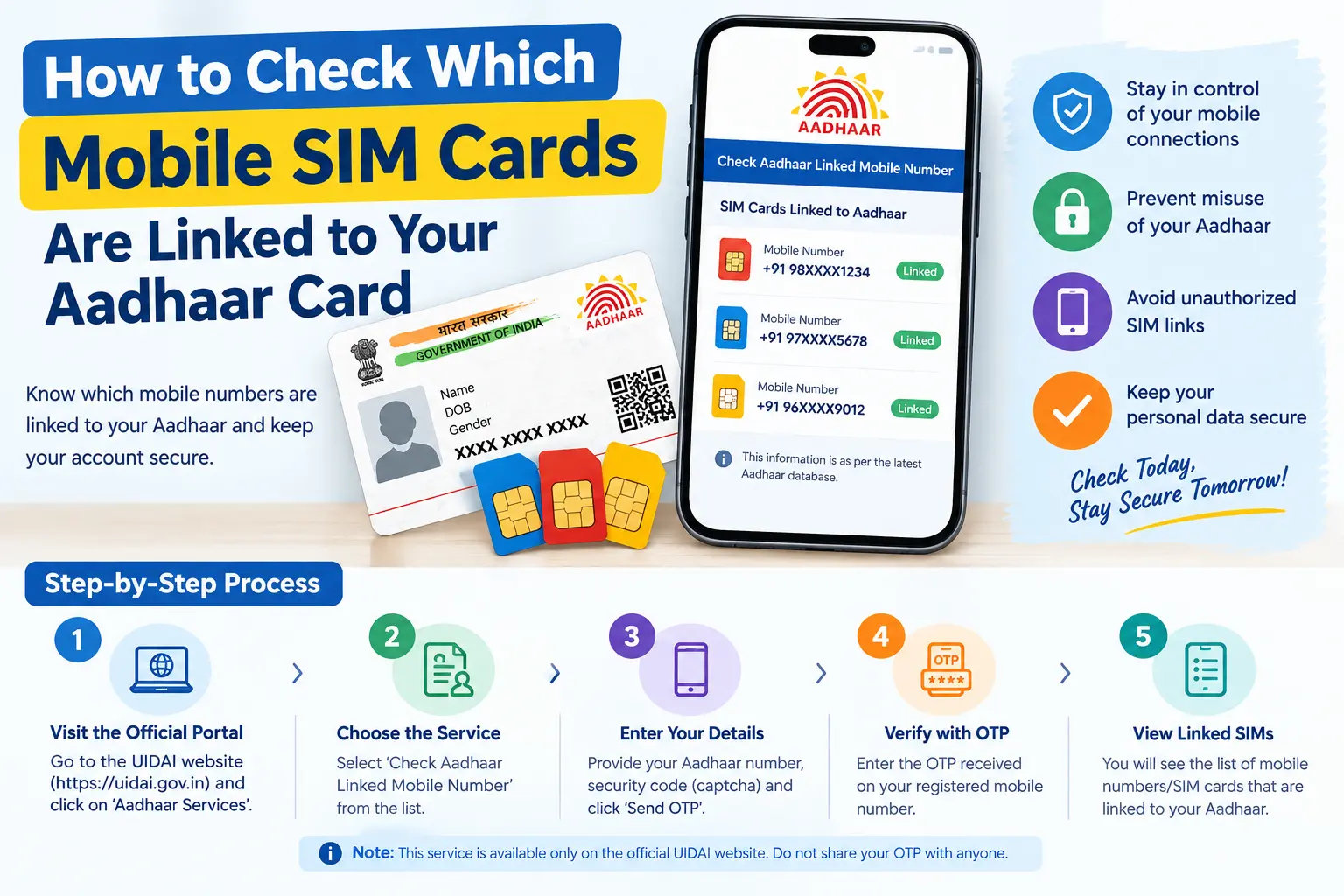
You’re applying for a new bank account, and the verification SMS never arrives. Or your telecom operator claims you’ve hit the SIM limit—but you only remember buying two connections. Both problems usually trace back to the same gap: not knowing exactly which mobile numbers are registered against your Aadhaar.
An Aadhaar card SIM check closes that gap. It tells you how many connections exist in your name, whether any of them are ones you never bought, and how to get the unknown ones disconnected before they’re used for fraud, spam, or identity theft. This guide walks through the official government tools for this check, what to do when something looks wrong, and the mistakes that cause most people to get stuck.
Read More About👇
Why an Aadhaar-Linked SIM Check Matters
Every new mobile connection in India goes through Aadhaar-based e-KYC (electronic Know Your Customer—a paperless verification method that confirms your identity digitally). That process permanently ties the number to your Aadhaar record.
The convenience is obvious. The risk is less so. If your Aadhaar details are misused at any point, a SIM can be issued in your name, and that SIM becomes a ready-made tool for:
- Intercepting OTPs meant for your bank account or UPI apps
- Creating fake social media or messaging profiles
- Making fraudulent calls that trace back to your identity
- Committing financial fraud where you are the first suspect
Because your mobile number now unlocks banking, government schemes, and digital payments, an unknown connection in your name is not a minor annoyance. It is a direct threat to your financial identity.
Discover More About:👇
PVC Status Check Online – Aadhaar PVC Card Tracking (2026)
Aadhaar Complaint Status: How to Check UIDAI Grievance Status Online
Aadhaar Verification: How to Check if an Aadhaar Is Genuine
How Many SIMs Can One Aadhaar Hold?
The Department of Telecommunications (DoT) permits a maximum of nine mobile connections per person across most of India. In Jammu & Kashmir, Assam, and the North-Eastern states, the cap is six.
Operators are now required to check your existing connections before issuing a new SIM, so exceeding the limit is harder than it used to be. If your count crosses the permitted number, you’ll typically receive an SMS asking you to review and reduce your connections. Treat that message as a prompt, not spam—it usually means something needs verifying.
How to Check All SIM Cards Linked to Your Aadhaar
The complete list of connections registered in your name is available through the Sanchar Saathi portal, run by the DoT. The relevant facility is TAFCOP (Telecom Analytics for Fraud Management and Consumer Protection).
Step 1: Open the Sanchar Saathi Portal
Go to the official Sanchar Saathi website or install the Sanchar Saathi app. Under the citizen services section, select the option to check your mobile connections.
Step 2: Enter Your Active Mobile Number
Type the 10-digit number you currently use and can access—this is where the OTP will arrive. Complete the captcha.
Step 3: Verify with OTP
Enter the OTP sent to your phone. If it doesn’t arrive within a couple of minutes, don’t keep re-requesting it; wait for the timer to reset and try once more. Repeated requests can temporarily block the verification.
Step 4: View Your Connections
The portal displays every mobile number registered against your identity documents, along with their status. Review this list slowly—familiar numbers are easy to skim past, and that’s exactly where an unfamiliar one hides.
Step 5: Report What Isn’t Yours
For each number you don’t recognise, use the reporting option in the portal—typically labelled “Not My Number” for connections you never took, or “Not Required” for ones you no longer use. The complaint is forwarded to the concerned telecom operator for verification and deactivation.
A common pitfall: people submit the report and assume the number is gone. It isn’t. Action happens only after the operator verifies the complaint, so keep the reference number and follow up if you hear nothing.
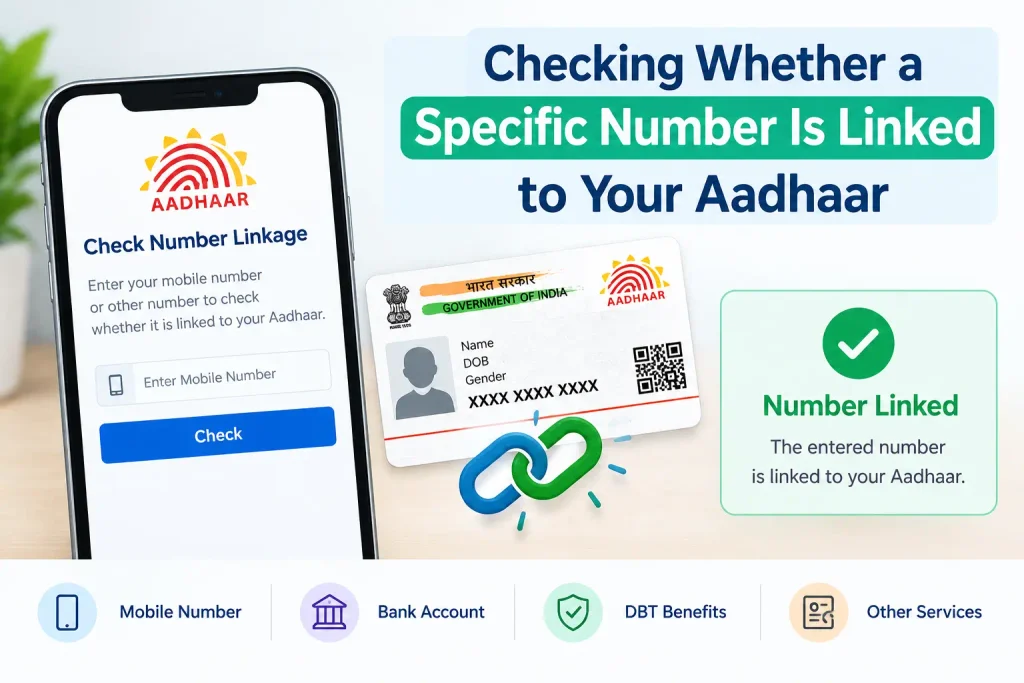
Checking Whether a Specific Number Is Linked to Your Aadhaar
Sometimes the question is narrower: is this number—the one in your hand—actually seeded with UIDAI? This matters because Aadhaar OTPs and many government services only work on your registered mobile number, not just any number you own.
The UIDAI website (uidai.gov.in) and the mAadhaar app both offer a verification option:
- Open the Aadhaar services section on the UIDAI portal or in the app
- Choose the option to verify your email address or mobile number
- Enter your 12-digit Aadhaar number
- Enter the mobile number you want to check
- Complete the captcha and proceed
If the number matches UIDAI records, you’ll see a confirmation. If it doesn’t, the portal will tell you it isn’t registered—which means any OTP sent by UIDAI won’t reach you until you update it.
If you can’t remember which number you registered during enrolment, the “Verify Aadhaar” feature on the MyAadhaar portal or mAadhaar app shows the last three digits of your registered mobile number. That’s often enough to jog your memory without a trip to an Aadhaar Seva Kendra.
Discover More About:👇
NSEIT Login 2026: New UIDAI Certification Portal, Login & Password Help
Aadhaar Seva Kendra Near Me: How to Find Your Nearest Aadhaar Enrollment/Update Centre
What to Do If You Find an Unauthorized SIM
Report It Through Sanchar Saathi
Flag the number as “Not My Number” in the TAFCOP facility. The complaint goes to the telecom operator, who investigates and deactivates the connection if it’s found unauthorized.
Contact the Telecom Operator Directly
You can also reach the customer care of the operator that issued the unknown number. They may ask for a written complaint or a store visit for verification. Keep copies of everything you submit.
File a Police or Cybercrime Complaint If Needed
If you suspect the SIM has already been used for fraud—or if money has moved from your accounts—file a complaint with your local police or the cybercrime cell. An unauthorized SIM in your name can be used for crimes that investigators will trace back to you first.
Common Mistakes to Avoid
- Never sharing OTPs, even with someone claiming to be from a telecom company or government office. No legitimate verification requires you to read out an OTP to a caller.
- Using unofficial websites for these checks. Third-party portals may harvest your Aadhaar and mobile details. Stick to Sanchar Saathi and UIDAI.
- Forgetting to update your Aadhaar mobile number after changing it. If UIDAI still has your old number, you’ll miss OTPs for Aadhaar services, and you won’t receive alerts about new connections.
- Assuming one check is enough. Connections can be added months later. A periodic review—say, every six months or after sharing your Aadhaar for any new service—catches problems early.
Frequently Asked Questions
Can I check my Aadhaar-linked SIMs without an active mobile number?
TAFCOP needs an active number to receive the OTP. Without one, you’ll generally need to visit a telecom operator’s store or an Aadhaar Seva Kendra for in-person help.
Is there a fee for this check?
The Sanchar Saathi TAFCOP facility is free to use, and there’s no charge for reporting unauthorized connections. For any Aadhaar update you undertake afterwards, check the official UIDAI portal for current fees, since these are revised from time to time.
How long does it take for a reported number to be disconnected?
Timelines vary by operator and case. The complaint is first verified, and disconnection follows only if it’s found unauthorized. Track your complaint status through the portal rather than assuming a fixed deadline.
What’s the difference between TAFCOP and UIDAI’s mobile verification?
TAFCOP shows all connections issued in your name across every operator. UIDAI’s verification confirms whether one specific number is linked to your Aadhaar for OTPs and Aadhaar services. Use TAFCOP to audit, UIDAI to confirm.
Will I be alerted if someone tries to get a SIM using my Aadhaar?
e-KYC normally requires biometric or OTP authentication, so an attempt without your involvement should fail. But if your biometrics or OTP access are compromised, a connection can slip through—which is why periodic checks remain your strongest safeguard.
Final Thoughts
Run the TAFCOP check once, note the date, and repeat it every few months—particularly after you’ve shared your Aadhaar for a new connection, loan, or subscription. If a reported number hasn’t been disconnected within a reasonable period, follow up with the operator using your complaint reference rather than filing a fresh report, since duplicate complaints tend to slow the process down.

4 Comments
Pingback: PVC Status Check Online – Aadhaar PVC Card Tracking (2026)
Pingback: Aadhaar Complaint Status: Check UIDAI Grievance Status Online
Pingback: Aadhaar Complaint Status: Check Online in 2 Minutes
Pingback: Fake Aadhar Card Maker: Check if an Aadhaar Is Genuine