

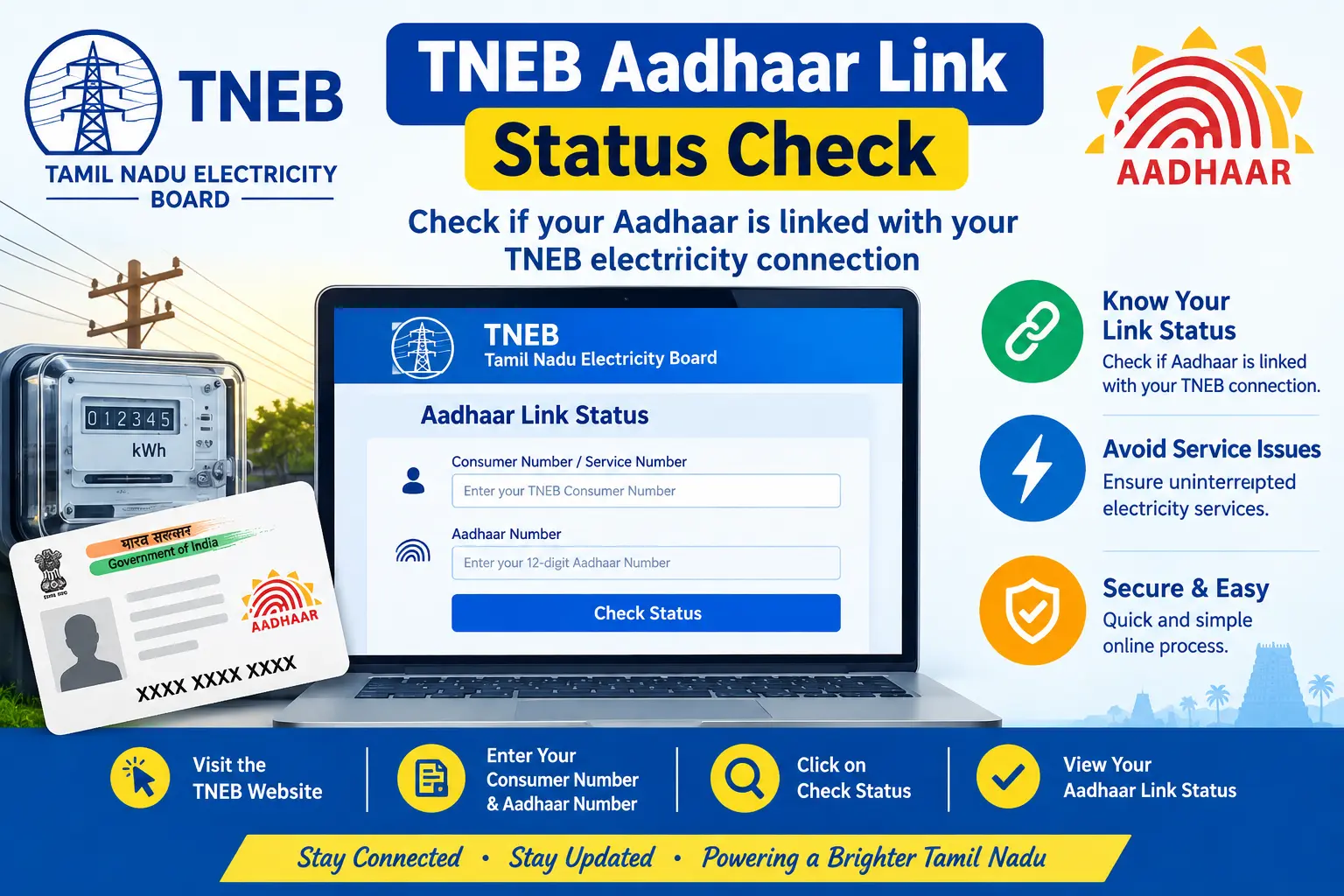
If you have already linked your Aadhaar with your Tamil Nadu electricity connection, you may want to confirm whether the update has actually been recorded. Searching for TNEB Aadhaar link status check can be confusing because many older guides use the TNEB or TANGEDCO names, while the current online service identifies itself as TNPDCL.
The good news is that the official TNPDCL Bill Status page currently provides a way to enter your Service Connection Number, registered mobile number, and captcha to access your electricity-service information.
This guide explains what to check, which details you may need, how the current online route works, and what to do if you cannot verify your Aadhaar-linking information.
Important: CheckAadharStatus.com is an independent informational website, not an official government portal. Complete any actual electricity or Aadhaar-related transaction only through the relevant official website or service channel.
Discover More About: 👇
DBT Status Check with Mobile Number (2026 Guide)
Quick Facts
| Detail | Information |
|---|---|
| Service | TNEB/TNPDCL electricity-service information |
| Common search term | TNEB Aadhaar link status |
| Current portal terminology | TNPDCL |
| Status-check page | Official TNPDCL Bill Status service |
| Details shown on the page | Service Connection Number, Registered Mobile Number and captcha |
| Cost to check online | No separate checking fee is indicated on the official Bill Status page |
| Official organisation address shown | NPKRR Maaligai, 144 Annasalai, Chennai 600002 |
The official Bill Status page currently asks for a Service Connection Number, Registered Mobile Number, and captcha.
What Is TNEB Aadhaar Link Status?
“TNEB Aadhaar link status” generally refers to whether Aadhaar information associated with a Tamil Nadu electricity service connection has been recorded in the electricity department’s system.
Many people continue to search using TNEB, while current official pages can use TNPDCL terminology. The official website currently labels its Bill Status service as “TNPDCL – Bill Status” and also lists TNEB Ltd among its trusted websites.
That naming difference is one reason older online instructions can look different from the current website.
It is also important not to confuse this with UIDAI’s own Aadhaar services. UIDAI provides services such as Aadhaar status checking, Aadhaar updates and Aadhaar authentication-related services, but the electricity connection’s service records are handled by the concerned utility. UIDAI itself states that it does not have visibility into how other departments link Aadhaar with their services.
How to Check TNEB Aadhaar Link Status Online
The current official TNPDCL Bill Status page provides the online starting point for checking electricity-service information.
Step 1: Open the Official Bill Status Service
Go to the official TNPDCL Bill Status page rather than relying on an old blog’s copied URL.
The current page is titled “TNPDCL – Bill status.”
Step 2: Enter Your Service Connection Number
The page asks for your Service Connection Number (S/C Number) .
Enter the number associated with the electricity connection you want to check.
If you are unsure where to find it, the official page provides a reference for viewing a sample SMS, bill receipt or white meter card.
Step 3: Enter the Registered Mobile Number
Next, enter the Registered Mobile Number associated with the service connection.
The official electricity website also provides a separate facility for checking and updating registered mobile-number information.
Step 4: Complete the Captcha
Enter the text shown in the captcha field on the page.
If the captcha is difficult to read, use the page’s available refresh/accessibility controls rather than entering random information.
Step 5: Submit the Details
Submit the information to access the available electricity-service information.
The exact information displayed can depend on the service and the records maintained by the electricity utility. Do not assume that every connection will display exactly the same fields.
What Details Do You Need?
For the current official Bill Status page, the visible required fields are:
- Service Connection Number
- Registered Mobile Number
- Captcha
The page does not indicate that you should enter your Aadhaar number simply to open the Bill Status page. Therefore, avoid following third-party instructions that tell you to enter additional Aadhaar details unless the official service itself specifically requests them.
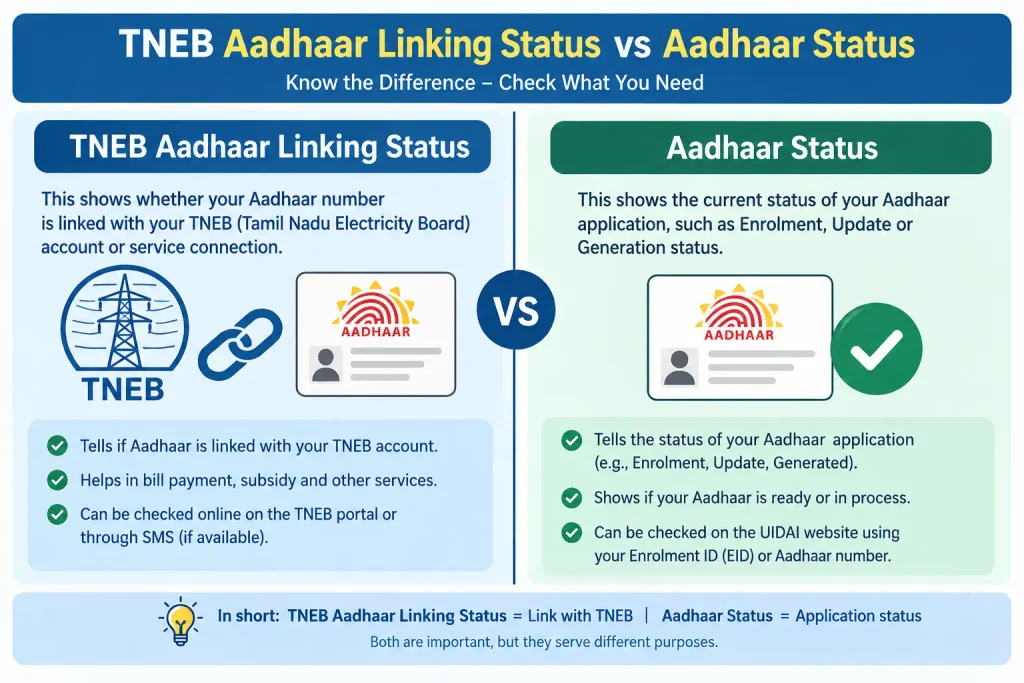
TNEB Aadhaar Linking Status vs Aadhaar Status
These are two different things.
| Aspect | Aadhaar Status (UIDAI) | Electricity Connection Status (TNPDCL/TANGEDCO) |
|---|---|---|
| What it checks | Aadhaar enrolment/update status | Aadhaar linked to electricity connection |
| Who maintains | UIDAI | Electricity utility |
| Purpose | Aadhaar-specific services | Electricity service records |
If you are checking the status of an Aadhaar enrolment or Aadhaar update, that is a UIDAI service.
If you are checking information connected with your Tamil Nadu electricity service, the relevant records belong to the electricity utility.
UIDAI’s official FAQ explains that UIDAI does not have visibility into Aadhaar linking performed by other departments or organisations.
So, if your question is “Is my Aadhaar linked with my electricity connection?” , checking the electricity department’s records is more relevant than using UIDAI’s Aadhaar status service.
What If Your Aadhaar Link Status Is Not Showing?
If you cannot confirm the Aadhaar information associated with your electricity connection, don’t immediately assume that the linking failed.
Discover More About: 👇
How to Check Aadhaar Linked with EB: Complete TNEB Aadhaar Link Status Guide
Aadhaar Bank Seeding Status for DBT: How to Check Aadhaar Bank Link Status
1. Check Your Service Connection Number
A wrong or incomplete service connection number can prevent you from accessing the correct electricity-service record.
Compare the number with your electricity bill or another official record.
2. Check Your Registered Mobile Number
The official portal specifically asks for the registered mobile number.
If your mobile number has changed, the official TNPDCL website provides a separate Mobile Number Updation service, including an option to check registered mobile numbers.
3. Check Whether You Are Using an Old Link
Government-service websites can change their URLs and terminology. If an old article sends you to a page that no longer works, return to the current official TNPDCL/TNEB website and navigate from there.
4. Contact the Electricity Utility
If the online information does not answer your question, use the official customer-support or service-centre channels rather than paying an unofficial person to “verify” the Aadhaar link.
The current official Bill Status page displays the Power Support Line as 9498794987.
TNEB, TANGEDCO and TNPDCL: Why Do You See Different Names?
This is one of the biggest sources of confusion for people searching online.
You may see:
- TNEB – Tamil Nadu Electricity Board (former unified board; still widely used by consumers)
- TANGEDCO – Tamil Nadu Generation and Distribution Corporation (current official entity)
- TNPDCL – Tamil Nadu Power Distribution Corporation Limited (current portal branding)
Older articles and user searches commonly use TNEB, while official current pages may display TNPDCL. The official website’s Bill Status page currently uses the TNPDCL name and lists TNEB Ltd among its trusted websites.
Because government websites and organisational structures can change, it is better to follow the current official portal and its terminology rather than assuming that an old article’s instructions are still identical.
Is TNEB Aadhaar Linking Related to UIDAI?
Only in the sense that Aadhaar is the identity document involved.
The electricity utility maintains its own service records. UIDAI explains that it does not have visibility into Aadhaar linking performed by other departments or organisations.
That means you should not expect the UIDAI website to show the complete Aadhaar-linking status of your Tamil Nadu electricity connection.
| Question | Answer |
|---|---|
| Does UIDAI show electricity connection Aadhaar status? | No |
| Who maintains electricity service records? | TNPDCL/TANGEDCO |
| Who should I contact for electricity Aadhaar linking issues? | TNPDCL/TANGEDCO |
If you need help with the electricity-side record, contact the electricity utility. If you need help with an Aadhaar enrolment, update or Aadhaar-specific service, use UIDAI’s official channels.
Safety Tips When Checking Aadhaar-Related Electricity Information
Your Aadhaar information should be handled carefully.
Keep these points in mind:
- ✅ Use official government or electricity-utility websites.
- ✅ Check the website address before entering personal information.
- ✅ Do not share OTPs with callers, agents or strangers.
- ✅ Avoid uploading your Aadhaar document to unknown websites.
- ✅ Do not pay an unofficial website or agent simply to check a status.
- ✅ Do not post your Aadhaar number or other sensitive details publicly.
UIDAI advises people to use Aadhaar where required but also recommends not putting Aadhaar information openly on public platforms.
Frequently Asked Questions (FAQs)
1. How can I check my TNEB Aadhaar link status?
Start with the current official TNPDCL electricity-service website. The official Bill Status page asks for your Service Connection Number, registered mobile number and captcha.
2. Is TNEB Aadhaar link status the same as Aadhaar update status?
No. Aadhaar update status relates to an Aadhaar request handled through UIDAI. Electricity-service records are maintained by the relevant electricity utility.
3. Can I check TANGEDCO Aadhaar link status online?
Yes, online electricity-service information is available through the current official TNPDCL/TNEB web services. Because portal names and pages can change, use the current official website rather than relying on an old third-party URL.
4. What details are needed for the official Bill Status page?
The current page asks for your Service Connection Number, registered mobile number and captcha.
5. What if my registered mobile number is incorrect?
The official electricity website provides a mobile-number service that allows consumers to check and update registered mobile-number information.
6. Does UIDAI show whether Aadhaar is linked to my electricity connection?
No. UIDAI does not have visibility into Aadhaar linking performed by other departments or organisations. Only the electricity utility maintains those records.
7. Should I use a private agent if I cannot check the status?
No. It is safer to use the electricity utility’s official website, support channels or service centres. There is no need to give an unofficial service access to your Aadhaar information merely to check a status.
8. Can tenants link Aadhaar with TNEB?
Yes, tenants can link their Aadhaar by selecting “Tenant” as the occupant status when linking online. You may need to provide rental agreement details.
Conclusion
If you searched for tneb aadhaar link status check, the main thing to remember is that electricity-service information and UIDAI Aadhaar services are separate.
For a Tamil Nadu electricity connection, begin with the current official TNPDCL electricity website and its Bill Status service. Keep your Service Connection Number and registered mobile number ready, and be cautious with older instructions that use outdated terminology or URLs.
If the online information does not clearly confirm your Aadhaar-related electricity record, use the utility’s official support channels instead of relying on unofficial agents or websites.

3 Comments
Pingback: Aadhaar Verification Online
Pingback: 1 Unit Electricity = How Many kWh?
Pingback: Ajmer Vidyut Vitran Nigam Ltd