

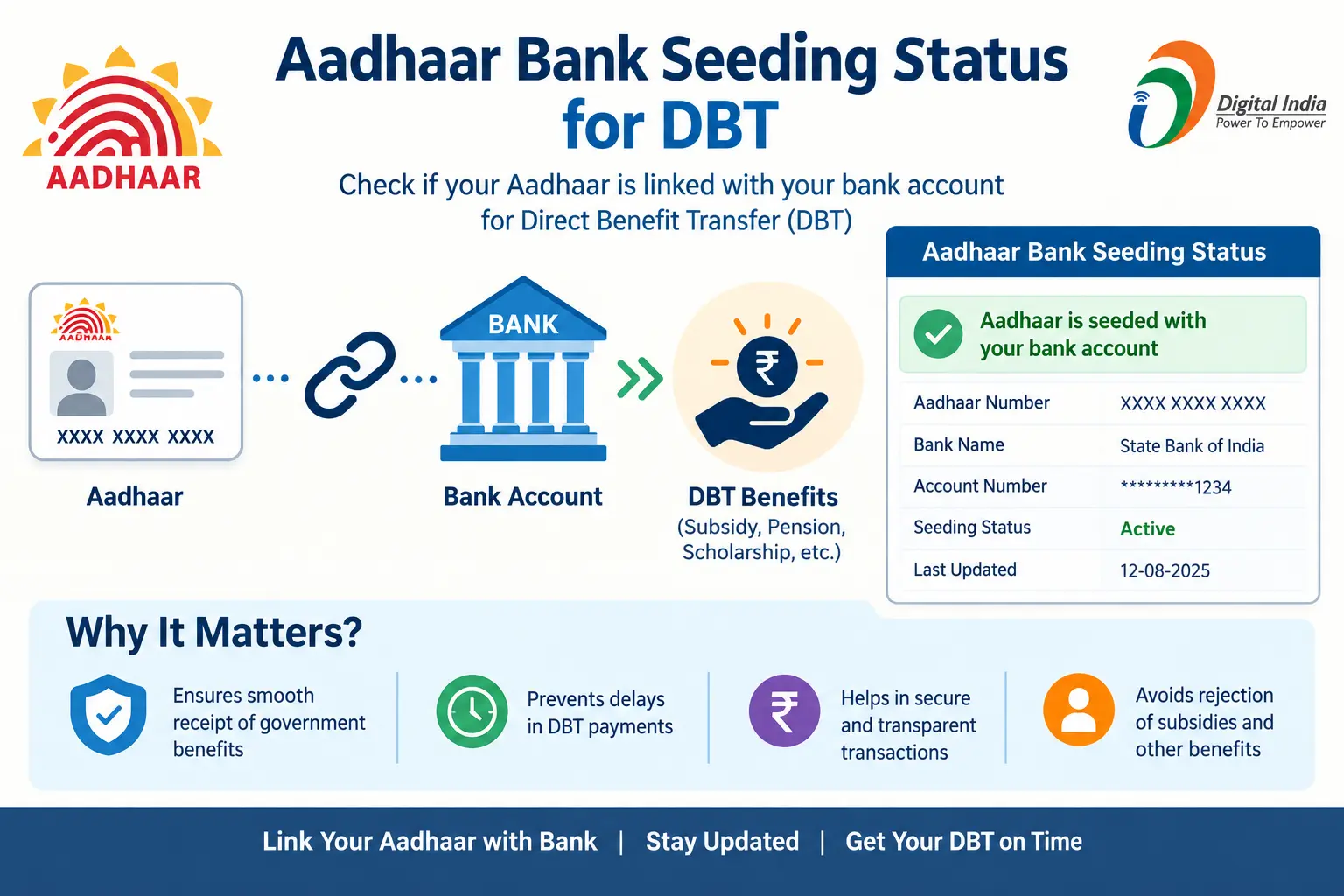
Your bank may tell you that your Aadhaar is linked to your account, but that does not always answer the question that matters most: is your Aadhaar actually seeded for DBT, and which bank account is mapped to receive Aadhaar-based benefits?
This is why searches such as “aadhaar bank link status,” “adhar link status,” “aadhaar seeding status,” and “Aadhaar linked with bank account” are so common. The terms sound similar, but Aadhaar linking and Aadhaar seeding involve different steps.
The good news is that you can check your bank-seeding status through official channels. UIDAI says the bank-seeding information shown through its service is fetched from the NPCI system.
This guide explains how Aadhaar-bank linking works, how to check your Aadhaar seeding status, what NPCI mapping means, what happens when multiple bank accounts are involved, and what to do if the status does not match what you expected.
Important: CheckAadharStatus.com is an independent informational website and is not affiliated with UIDAI, NPCI, or the Government of India. For actual Aadhaar-related transactions and status checks, use official government services.
Discover More About: 👇
DBT Status Check with Mobile Number (2026 Guide)
Quick Facts
| Detail | Information |
|---|---|
| Topic | Aadhaar-bank linking and seeding status |
| Main purpose | Check whether Aadhaar is linked/seated for DBT and understand bank mapping |
| Official authority | UIDAI / NPCI |
| Status source | NPCI information is used for bank-seeding status shown by UIDAI |
| Cost | No unofficial payment or agent is required to check the official status |
| Processing time | No universal processing time is specified by the official sources reviewed |
| Main official route | myAadhaar |
| Alternative | NPCI Aadhaar seeding services |
What Is Aadhaar Bank Linking and Seeding?
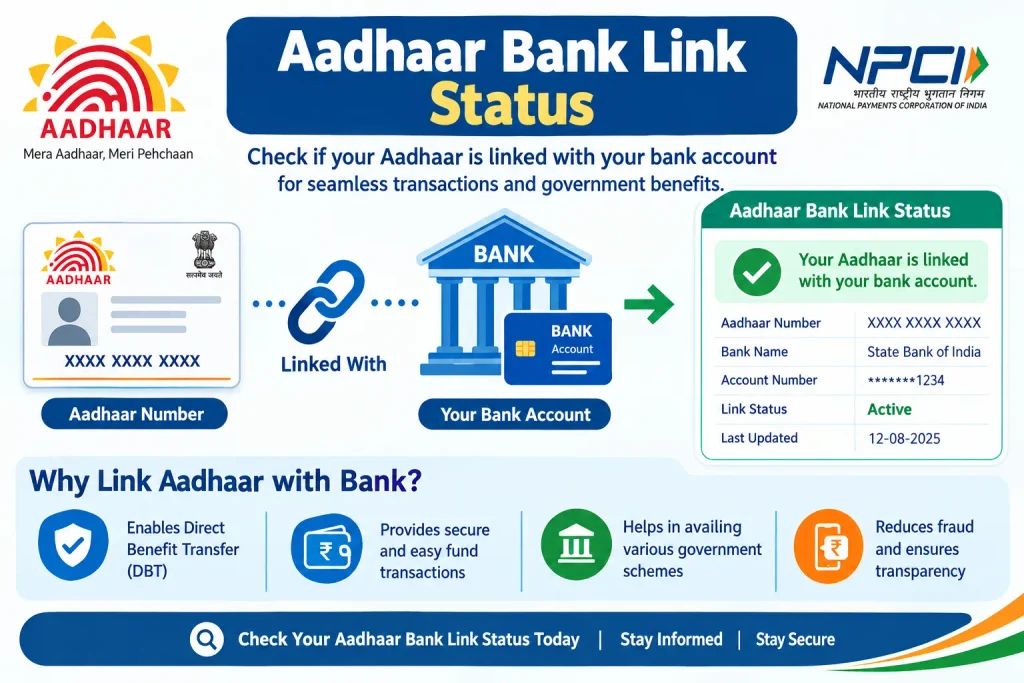
Aadhaar-bank linking means that your Aadhaar is linked with your bank account after the required verification and consent process.
For DBT, however, another technical step is important: Aadhaar seeding in the NPCI mapper.
NPCI explains that these terms are related but not exactly the same.
When a bank seeds an Aadhaar number in the NPCI mapper, the Aadhaar-to-bank mapping can be used for routing Aadhaar-based payment transactions.
In simple terms:
Aadhaar linked with bank → bank completes the required seeding → Aadhaar-bank mapping is available in NPCI mapper → eligible Aadhaar-based DBT can be routed to the mapped bank account.
This distinction is important if your bank says “Aadhaar is linked” but a DBT-related system still does not show the expected status.
Aadhaar Linking vs Aadhaar Seeding
| Aadhaar Bank Linking | Aadhaar Seeding |
|---|---|
| Connects Aadhaar with your bank account | Records the Aadhaar-bank mapping for the NPCI system |
| Handled through the bank’s process | Bank updates the NPCI mapper after the required process |
| Important for Aadhaar-based banking services | Important for Aadhaar-based DBT routing |
| Does not by itself explain the NPCI mapping status | Relates directly to the Aadhaar-to-bank mapping used for DBT |
So, if you are searching “aadhaar bank link status”, you may actually be looking for your Aadhaar seeding or NPCI mapping status.
How to Check Aadhaar Bank Link or Seeding Status
There are official routes for checking Aadhaar-bank seeding information. The simplest option for many users is through the UIDAI ecosystem.
Method 1: Check Through the Official myAadhaar Route
UIDAI states that bank-seeding status can be checked through the myAadhaar service.
The information displayed for bank seeding is fetched from NPCI. UIDAI also clarifies that it does not store this fetched information and is not responsible for the correctness of the information received from NPCI.
Start from the official UIDAI website and open the relevant myAadhaar service rather than relying on an unofficial website claiming to check Aadhaar-bank status.
Open the official UIDAI website
Method 2: Check Through NPCI
NPCI also provides Aadhaar seeding-related services through its official platform.
Its BASE service supports functions related to Aadhaar seeding, including checking seeding status.
Open the official NPCI Aadhaar seeding service
The exact interface can change over time, so always follow the fields and instructions currently displayed on the official NPCI website.
What Does Aadhaar Bank-Seeding Status Mean?
Once you check the status, the result should be considered in the context of Aadhaar linking, NPCI mapping, and DBT.
Aadhaar Is Seeded or Mapped
If your Aadhaar is shown as seeded/mapped with a bank, it indicates that an Aadhaar-bank mapping exists in the relevant NPCI system.
For DBT, this is an important part of the routing process.
However, being seeded does not mean that every government benefit payment is automatically guaranteed. The particular scheme must also make the payment and you must satisfy that scheme’s eligibility and payment requirements.
Aadhaar Is Not Seeded or Not Mapped
If the expected Aadhaar-bank mapping is not showing, contact your bank and ask them to verify:
- Whether your Aadhaar is linked with the correct account.
- Whether the required Aadhaar seeding process has been completed.
- Whether the Aadhaar has been seeded in the NPCI mapper.
- Whether the account is intended to receive DBT.
For changes or corrections, the bank is an important point of contact because the bank performs the relevant linking and seeding actions.
A Different Bank Is Showing
This can happen when you have more than one bank account associated with Aadhaar for DBT purposes.
The important point is that Aadhaar-based DBT is routed to one mapped bank account at a time.
If Aadhaar has been seeded with multiple banks at different times, NPCI’s process uses the latest applicable mapping. Therefore, the bank currently mapped for Aadhaar-based DBT may not be the bank you expected.
Which Bank Account Receives Aadhaar-Based DBT?
This is one of the biggest sources of confusion around Aadhaar bank link status.
You can have multiple bank accounts, but Aadhaar-based DBT benefits are received in one selected account according to the applicable mandate/consent and NPCI mapping.
UIDAI explains that if a person has multiple bank accounts, the DBT benefit goes to the account selected for DBT, which is seeded with the NPCI mapper.
If you want to change the bank account used for DBT, UIDAI advises visiting the bank and submitting the required mandate/consent form.
Example
Suppose you have:
- Bank A — your old account
- Bank B — your current account
If Bank A was previously mapped for Aadhaar-based DBT and you later complete the required seeding process with Bank B, the applicable NPCI mapping can change.
That is why checking which bank is currently mapped is more useful than simply knowing that Aadhaar is “linked” somewhere.
Aadhaar Is Linked but DBT Has Not Arrived: What Should You Do?
This is a common situation behind searches such as “Aadhaar linked with bank account but DBT not received.”
First, do not assume that Aadhaar linking alone means a particular benefit payment must arrive.
Check the following:
- Check Aadhaar-bank seeding status.
Confirm whether the expected bank is actually mapped. - Check the DBT-related status of the benefit scheme.
A successful Aadhaar-bank mapping does not itself confirm that a particular government scheme has released your payment. - Confirm the bank account.
If you have multiple accounts, check which bank is currently mapped for Aadhaar-based DBT. - Contact your bank if the mapping is missing or incorrect.
Ask specifically about Aadhaar linking, NPCI seeding, and the account intended for DBT. - Use official scheme channels for payment-specific problems.
If the Aadhaar-bank mapping is correct but a benefit has not arrived, the issue may relate to the particular scheme rather than Aadhaar itself.
What If the Bank Says Aadhaar Is Linked but NPCI Status Is Different?
Do not treat the two statements as contradictory immediately.
Remember that bank-account linking and NPCI mapper seeding are connected but distinct steps.
A bank may have completed the Aadhaar-linking process in its banking system while the relevant NPCI mapping still needs to be verified or updated.
If your official status does not match what your bank told you, contact the bank and ask them to verify the Aadhaar seeding/mapping status specifically.
Avoid paying an unofficial person or website simply because it claims to “activate DBT” or “fix NPCI mapping.”
Aadhaar Bank Link Status: Important Things to Know
1. UIDAI does not itself act as the bank
The bank performs the relevant Aadhaar linking and seeding process. UIDAI’s service can display bank-seeding information fetched from NPCI.
2. NPCI mapper matters for Aadhaar-based DBT
The NPCI mapper contains Aadhaar-to-bank mapping information used for routing Aadhaar-based payment transactions.
3. One mapped bank receives Aadhaar-based DBT
If you have multiple bank accounts, the relevant Aadhaar-based DBT mapping points to one bank account at a time.
4. Linking does not guarantee every DBT payment
Aadhaar seeding is an important part of the DBT process, but it does not guarantee payment from every government scheme.
5. You do not need an unofficial Aadhaar agent to check your status
Use official UIDAI, myAadhaar, NPCI, and relevant government scheme channels.
Discover More About: 👇
TNEB Aadhaar Link Status Check – How to Check Your Electricity Connection Online
Aadhaar Bank Seeding Status: How to Check Aadhaar Card Link With Bank Account
Pros and Limitations of Checking Aadhaar Seeding Status Online
Advantages
- You can verify the current Aadhaar-bank mapping through official channels.
- It helps distinguish simple bank linking from NPCI seeding.
- It can help identify the bank relevant to Aadhaar-based DBT.
- It can save unnecessary confusion when you have multiple bank accounts.
Limitations
- The displayed information depends on the underlying NPCI data.
- A seeded Aadhaar does not confirm eligibility or payment from a particular DBT scheme.
- If the information appears incorrect, the bank may need to verify or correct the underlying seeding process.
- Online status checking does not replace scheme-specific payment tracking.
Aadhaar Bank Linking and Seeding: The Simple Flow
If all the terminology feels confusing, remember this sequence:
Aadhaar → Bank Account → Aadhaar Linking → NPCI Seeding/Mapping → Aadhaar-based DBT Routing
The key question is not only:
“Is my Aadhaar linked to my bank?”
It is also:
“Is the correct bank account currently mapped for Aadhaar-based DBT?”
That is the distinction many users miss.
FAQs
How can I check Aadhaar bank link status online?
You can check Aadhaar-bank seeding information through the official myAadhaar service. UIDAI says the bank-seeding information shown there is fetched from NPCI.
Check the official myAadhaar services
Is “adhar link status” the same as Aadhaar seeding status?
Not necessarily. “Adhar link status” is a common search spelling/phrase, but Aadhaar-bank linking and Aadhaar seeding in the NPCI mapper are related yet distinct steps.
How do I check Aadhaar seeding status?
Use the official myAadhaar route or NPCI’s Aadhaar seeding service. Avoid unofficial websites that ask for payment or sensitive information.
How do I check which bank is linked with Aadhaar?
The relevant Aadhaar-bank seeding information can be checked through the official UIDAI/myAadhaar route. If you have multiple accounts, pay attention to the bank currently mapped for DBT.
Is Aadhaar linking enough for DBT?
Aadhaar linking is an important step, but DBT routing also involves seeding the Aadhaar in the NPCI mapper. In addition, the particular government scheme must process and release the benefit according to its own rules.
Can Aadhaar be linked to multiple bank accounts?
Aadhaar may be associated with multiple bank accounts, but Aadhaar-based DBT is routed to the bank account currently selected/mapped for that purpose. NPCI’s mapping process determines the applicable bank mapping.
How can I change the bank account receiving Aadhaar-based DBT?
UIDAI advises visiting the bank and submitting the required mandate/consent form to change the account used for DBT.
What should I do if my Aadhaar is linked but the wrong bank is showing?
Contact the bank and ask them to verify the Aadhaar seeding and NPCI mapping. If you want another account to receive DBT, follow the bank’s official process for changing the applicable mandate/mapping.
Is there a standard time for Aadhaar bank seeding to appear?
There is no universal processing time stated in the official sources used for this guide. If your bank says the process is complete but the official status does not reflect it, ask the bank to verify the seeding/mapping status.
Is Aadhaar seeding the same as NPCI mapping?
They are closely connected, but not identical terms. NPCI describes seeding as the process through which the bank updates the NPCI mapper with the Aadhaar-bank mapping after the required bank-side linking and consent process.
Final Takeaway
If you searched “aadhaar bank link status” or even “adhar link status,” the most important thing is to look beyond the word “linked.”
For Aadhaar-based DBT, check whether the Aadhaar is seeded/mapped with the correct bank through the NPCI system. If you have multiple accounts, verify which one is currently mapped for DBT.
When something does not match, your bank is the right place to verify the Aadhaar-linking and seeding process. For online checks, stick to official UIDAI/myAadhaar and NPCI services rather than unofficial Aadhaar websites or paid agents.

5 Comments
Pingback: Aadhaar Number Not Mapped to IIN: Meaning & DBT Status
Pingback: Orunodoi Scheme 2026: Status Check, Beneficiary List & Apply
Pingback: Lakshmir Bhandar Payment Status 2026
Pingback: FID PM Kisan Farmer Details by Aadhaar Number
Pingback: MGNREGA Payment