

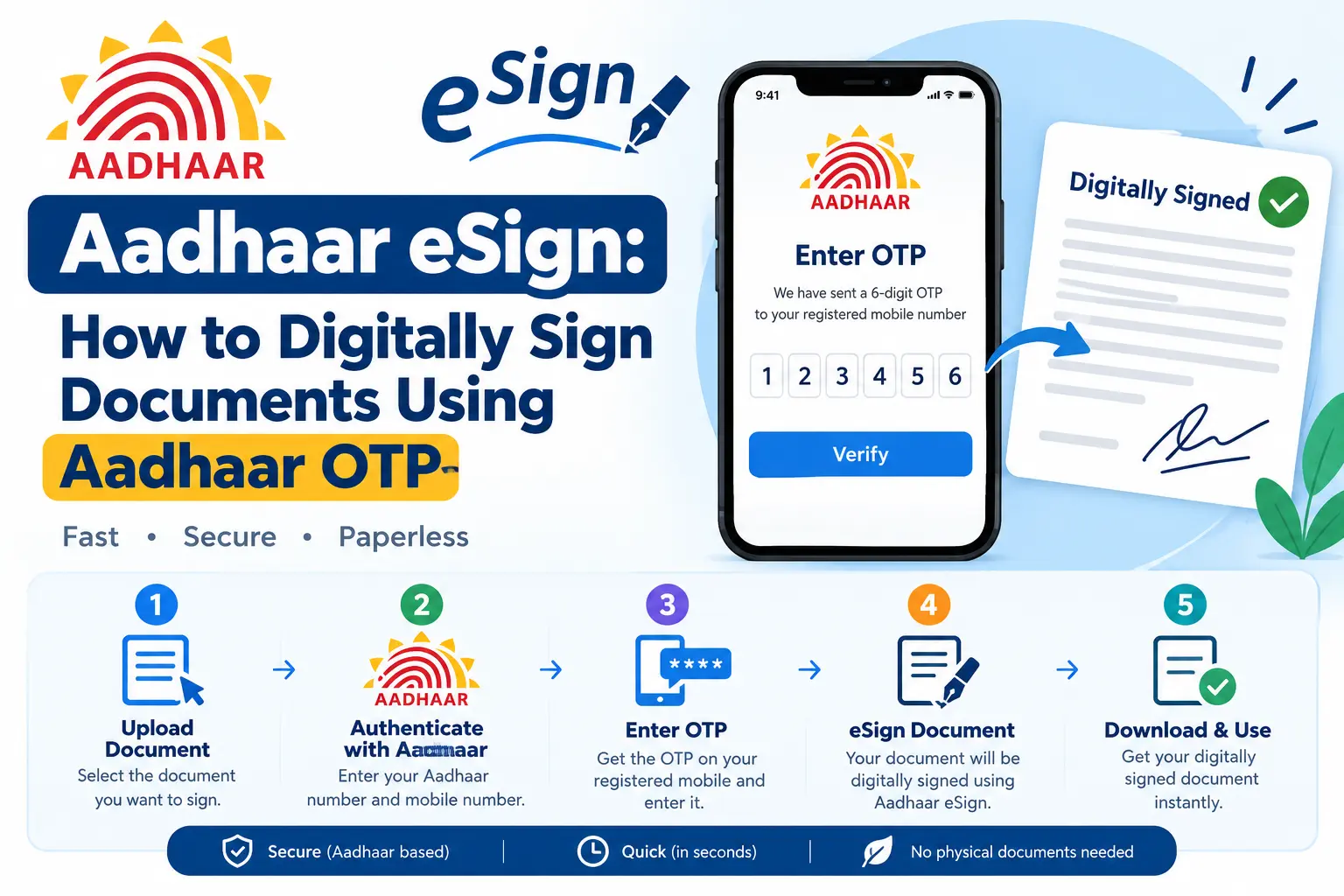
Your loan application is approved. The bank needs your signature on the agreement by tonight. Printing, signing, scanning, and emailing would take an hour you do not have. This is exactly the situation Aadhaar eSign was built for. With your Aadhaar number and a One-Time Password sent to your Aadhaar-linked mobile, you can place a legally valid digital signature on a PDF in under two minutes — no printer, no scanner, no USB token.
This guide walks through what Aadhaar eSign actually does, which platforms accept it, the exact steps to sign a document, and the snags that trip people up most often.
What Aadhaar eSign Does — and What It Replaced
Aadhaar eSign is an online electronic signature service that lets any Aadhaar holder sign a document digitally. It uses Aadhaar eKYC (Electronic Know Your Customer — a paperless identity verification method) to confirm who you are before the signature is applied. The signature is recognised under the Information Technology Act, 2000, and holds the same legal weight as a handwritten signature for most documents.
The contrast with the older system is stark. A traditional Digital Signature Certificate (DSC) meant buying a USB cryptographic token, submitting physical paperwork, and physically carrying the dongle wherever you needed to sign. Aadhaar eSign replaces the token with your Aadhaar-linked mobile number. The signing certificate issued during the process stays valid only for that session, so there is no long-lived credential sitting on your device waiting to be misused.
For anyone who has ever missed a courier deadline or paid a cyber café to scan a signed form, this is the practical difference: signing becomes something you do on your phone, not something you schedule around a printer.
Read More About👇
Which Platforms Accept Aadhaar eSign
Adoption is now broad enough that you will encounter it without looking for it:
- Government portals — DigiLocker, the Income Tax e-filing portal, the GST portal, and a number of state service platforms.
- Banking and financial services — loan agreements, account opening forms, credit card applications, insurance documents.
- Corporate use — vendor contracts and internal approvals, though certain statutory filings such as MCA submissions for company incorporation may still require a traditional Class 3 DSC.
Discover More About:👇
Aadhaar Biometric Unlock Online: How to Unlock Aadhaar Biometrics
How to Get EID Number: Retrieve Your 28-Digit Aadhaar Enrolment ID
What Is Masked Aadhaar Card? Meaning, Uses, Validity & How to Download
Behind the scenes, the service runs through eSign Service Providers empanelled by the Controller of Certifying Authorities (CCA) under the Ministry of Electronics and IT. The actual signing certificates are issued by licensed Certifying Authorities, including CDAC and Protean (formerly NSDL e-Gov).
How to Sign a Document Using Aadhaar OTP: Step by Step
Interfaces differ between platforms, but the underlying flow is the same everywhere.
Step 1: Open an eSign-enabled platform
You cannot eSign a document in isolation — you need a website or app that has integrated the service. Look for a “Sign with Aadhaar,” “eSign,” or “Digital Signature” button on the platform holding your document. DigiLocker, your bank’s net banking portal, and the Income Tax e-filing site are common starting points.
Step 2: Upload or open the document
Select the PDF you need to sign. Some platforms let you upload a file from your device; others open a pre-filled form that requires your signature before submission. The document must be in PDF format — this is the one format Aadhaar eSign consistently supports.
Step 3: Enter your Aadhaar number
Type your 12-digit Aadhaar number. The platform forwards it to the eSign Service Provider purely for authentication. Here is where the first common error occurs: a single transposed digit will fail authentication, and the error message is often generic. Read the number back before submitting.
Step 4: Authenticate with the OTP
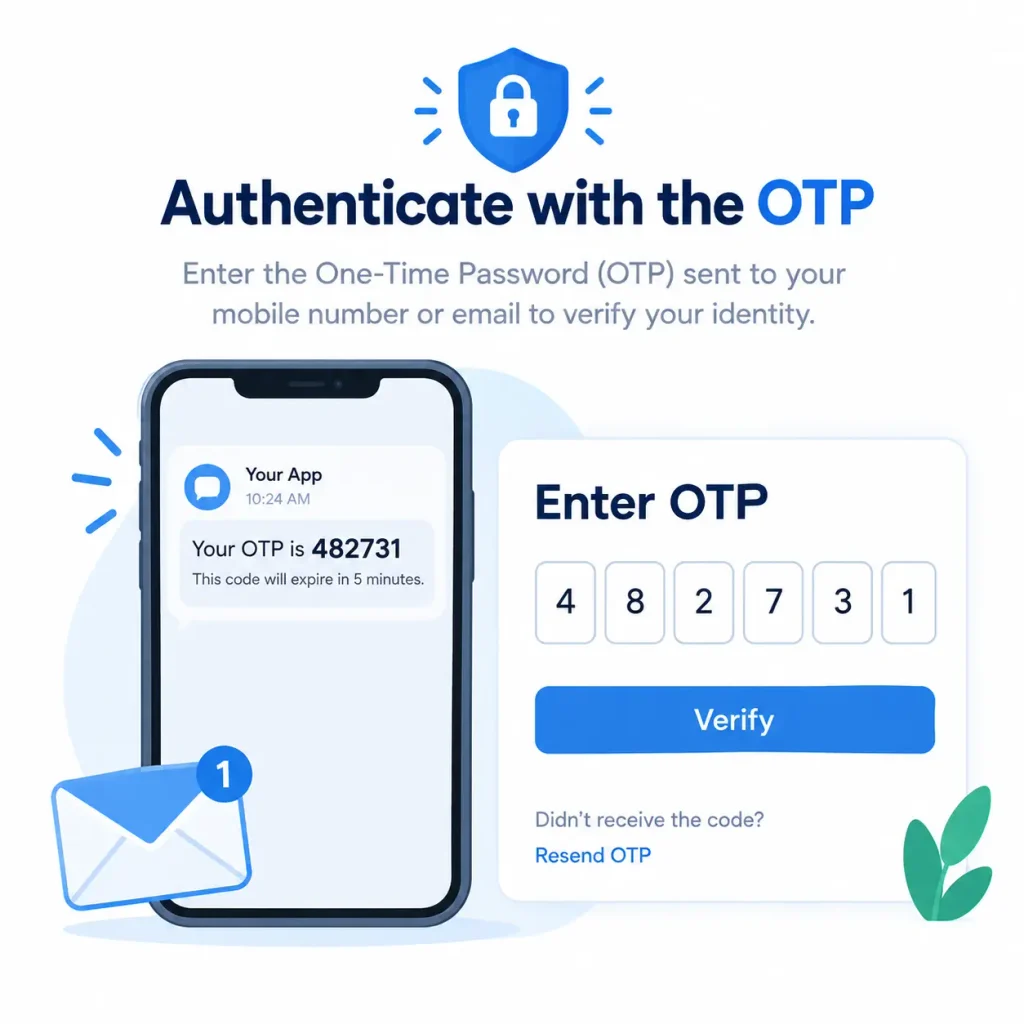
UIDAI sends an OTP to the mobile number registered in your Aadhaar record — not to whatever number you type into the platform. Enter it within the validity window. Two things routinely go wrong here:
- The OTP never arrives because the SIM in your phone is not the one linked to Aadhaar, or you changed numbers without updating UIDAI’s records.
- The session times out while you are waiting. Most portals give you only a few minutes on the authentication screen before it resets and you must start over.
Some newer implementations offer Aadhaar face authentication or fingerprint authentication instead of OTP. Face authentication requires the Aadhaar FaceRD app installed and configured; fingerprint authentication requires a supported scanner.
Discover More About:👇
Aadhaar Mobile Number Update Status: How to Check Mobile Link Status Online
Aadhaar Voter Link Status: How to Check Voter ID Aadhaar Link Status Online
Step 5: The signature is applied
Once authentication succeeds, a licensed Certifying Authority generates a Digital Signature Certificate and embeds it into your document automatically. You do not draw, upload, or type a signature. The certificate lapses shortly after the session ends, which is what keeps the credential from being reused elsewhere.
Step 6: Save or submit the signed file
Download the signed PDF, save it to DigiLocker, or submit it directly through the platform. The signature is tamper-evident: edit a single character after signing and the signature becomes invalid.
What You Need Before You Start
- An active Aadhaar number — one that has not been deactivated or suspended.
- A mobile number linked to Aadhaar — mandatory for OTP-based signing. If your number is not registered, get it updated at an Aadhaar Enrolment Centre or through the UIDAI portal first. This cannot be worked around.
- The document in PDF format — convert other formats before you begin.
- A stable internet connection — the entire process, from upload to OTP verification, happens online.
For face or biometric authentication, add the Aadhaar FaceRD app or a compatible scanner to that list.
Common Mistakes That Cause Failures
Using a mobile number that is not linked to Aadhaar. This is the single most frequent cause of failure. The OTP goes only to the number in UIDAI’s records. A recently changed SIM, or a number never registered, will produce a silent dead end.
Assuming every filing accepts eSign. MCA submissions for company incorporation, for instance, may still require a traditional Class 3 DSC. Confirm the portal’s requirement before you rely on eSign for a statutory deadline.
Mistaking a PDF reader warning for an invalid signature. Some readers flag Indian signatures as “invalid” simply because they lack the CCA root certificates. Installing those certificates resolves the display issue — the signature itself was always valid.
Submitting a non-PDF file. Aadhaar eSign works with PDFs. Convert first; do not assume the platform will handle it.
Frequently Asked Questions
Is Aadhaar eSign legally valid?
Yes. It is recognised under the Information Technology Act, 2000, and carries the same standing as a handwritten signature for documents not specifically excluded by law.
Can I use Aadhaar eSign without an Aadhaar-linked mobile number?
Not for OTP-based signing. You must update your mobile number at an Aadhaar Enrolment Centre first. Face and biometric authentication are alternatives on some platforms, but each needs additional setup.
What does Aadhaar eSign cost?
It depends on the platform. DigiLocker, for example, does not charge the citizen directly for eSign. Private platforms may bundle a fee into their service. Charges are set by the platform, not UIDAI, so check the specific portal.
How long is the eSign certificate valid?
The certificate issued for a single transaction is short-lived, typically expiring within a brief window after signing. The signed document itself does not expire — the embedded signature remains verifiable.
Can I sign business documents with Aadhaar eSign?
Authorised signatories of partnership firms, LLPs, and private limited companies can use their personal Aadhaar eSign on behalf of the entity where the platform supports entity-level signing. Certain statutory filings still mandate a traditional DSC.
What if the OTP does not arrive?
Wait a minute and tap “Resend OTP.” If it still does not arrive, verify that your mobile number is genuinely linked to Aadhaar — this is the usual culprit. DND settings generally do not block transactional OTPs. If UIDAI’s authentication service is temporarily down, retry after some time.
A Final Note
If your eSign attempt fails, resist the urge to retry immediately in a loop — repeated failures on some portals can temporarily lock the session. Check the two things that cause most failures first: whether your Aadhaar-linked mobile number is current, and whether the document is a valid PDF under the platform’s size limit. Fix those, wait a few minutes, and try once more. For anything beyond that — platform-specific rules, current fees, supported document types — the official UIDAI portal at uidai.gov.in remains the only source worth trusting over a random search result.

2 Comments
Pingback: What Is CKYC Number? How to Check, Download & Register
Pingback: How to Apply FSSAI License Online (2026)