

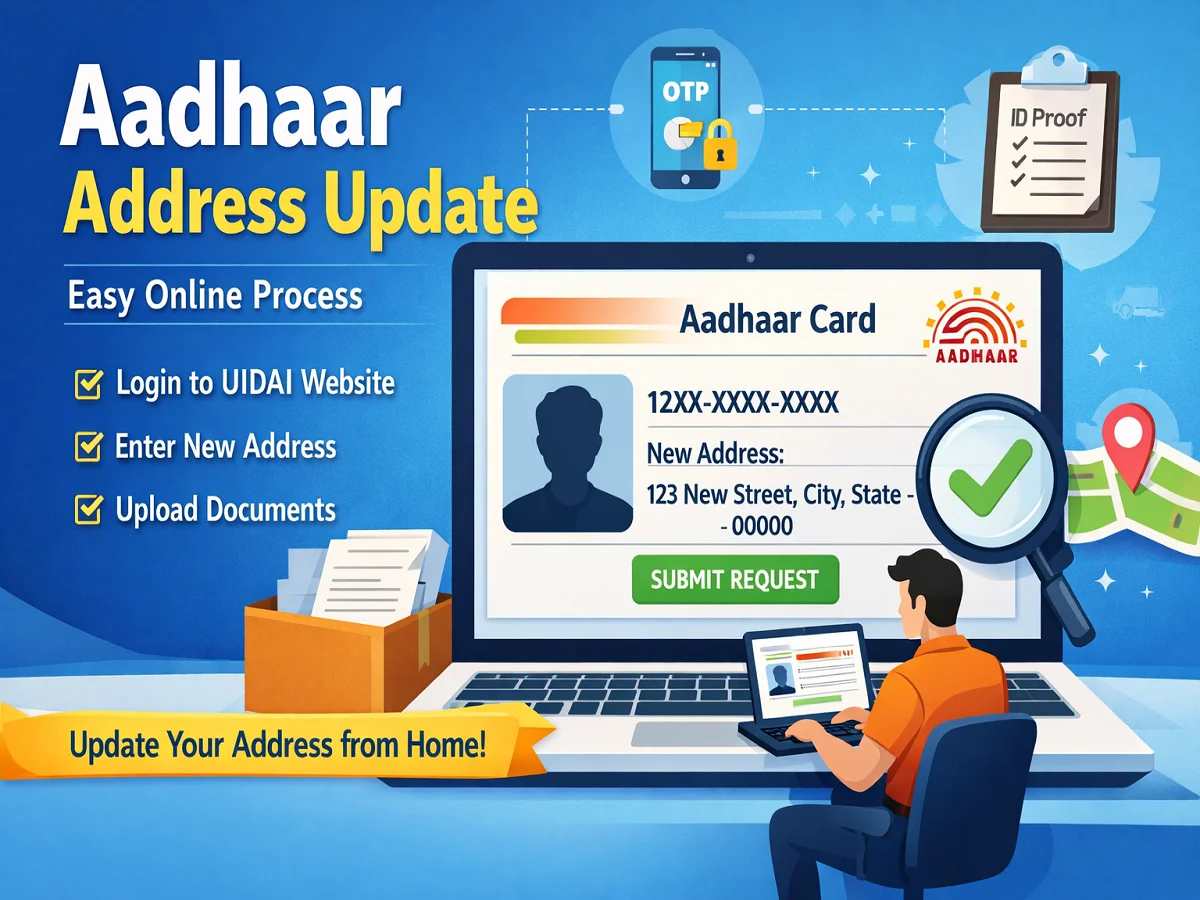
You’ve just moved to a new city, and your Aadhaar still shows your old address. Or maybe you’re staring at a bank KYC form that requires an updated address proof. The good news?
You can fix this without stepping foot outside your home. UIDAI allows you to change your Aadhaar address online through both the myAadhaar portal and the new Aadhaar app .
Here’s the short answer: Yes, you can change your Aadhaar address online completely from home. You’ll need your Aadhaar number, a registered mobile number for OTP, and a valid address proof document.
The process takes about 10–15 minutes, though UIDAI verification may take a few weeks .
Read More About:👇
| Quick Facts | |
|---|---|
| Online Availability | Yes — myAadhaar portal and Aadhaar app |
| Official Portal | https://myaadhaar.uidai.gov.in |
| Registered Mobile Required | Yes — OTP authentication |
| Address Proof Required | Yes, for standard method |
| Online Portal Fee | ₹50 (non-refundable) |
| Aadhaar App Fee | ₹75 |
| Processing Time | Up to 15 days (app) / 30 days (portal) |
| Status Tracking | Yes — using URN / SRN |
| Alternative Method | Head of Family (HoF) address update |
| Offline Option | Visit Aadhaar Seva Kendra |
What Documents Do I Need for Aadhaar Address Update?
The most common reason for rejection is document mismatch. Your address proof must show your name and the exact address you’re submitting. UIDAI accepts a range of documents :
Discover More About: 👇
Pension, Labour and Beneficiary Status by Aadhaar: How to Check Government Scheme Status Online
Aadhaar Mobile Number Update Status: How to Check Mobile Link Status Online
Commonly accepted proof of address documents:
- Electricity or water bill (not older than 3 months)
- Bank statement or passbook
- Rent agreement (with landlord’s signature)
- Passport
- Voter ID card
- Ration card
- Driving licence
- Post-paid mobile bill
- Property tax receipt
Document checklist:
- Document should be recent (utility bills should not be older than 3 months)
- Your name and new address must be clearly visible
- Upload a clear, readable scan or photo (blurry images cause rejection)
How to Change Aadhaar Address Online: Two Methods
UIDAI offers two online routes: the myAadhaar portal (via computer) and the new Aadhaar app (via smartphone).
Method 1: Via myAadhaar Portal (Computer)
Step 1: Visit the official portal
Go to https://myaadhaar.uidai.gov.in. Click on “Update Your Aadhaar” and select “Document Update” .
Step 2: Log in with OTP
Enter your 12-digit Aadhaar number and captcha. Click “Send OTP” — an OTP will be sent to your registered mobile number. Enter it to proceed .
Step 3: Select Address Update
From the available options, choose “Address” .
Step 4: Choose your update method
You can either:
- Use your own documents: Upload your proof of address
- Use Head of Family (HoF) method: Update using a family member’s Aadhaar
Step 5: Enter new address
Fill in your complete new address exactly as it appears on your proof document. Include “Care of” (C/O) details if applicable .
Step 6: Upload address proof
Select the document type from the dropdown list and upload a clear scan (JPG, PNG, or PDF) .
Step 7: Pay fee and submit
The current fee is ₹50 (non-refundable) . After payment, submit your request.
Step 8: Save your reference number
You’ll receive a Service Request Number (SRN) and a 14-digit Update Request Number (URN) — save this number — you’ll need it for status tracking .
Method 2: Via the New Aadhaar App (Smartphone)
The new Aadhaar app offers a simpler process with face authentication .
Step 1: Download the app
Install the official Aadhaar app from Google Play Store (Android) or Apple App Store (iOS) .
Step 2: Log in
Register using your Aadhaar number and Face ID/MPIN authentication .
Step 3: Go to Services
Navigate to Services → Address Update .
Step 4: Choose update method
Step 5: Enter details & upload
Enter your new address and upload the address proof document (photo or scan).
Step 6: Face authentication
Complete face authentication for verification .
Step 7: Pay and submit
The app fee is ₹75 . Submit your request. The family member will receive a notification if you choose the HoF method .
Processing Time: How Long Does It Take?
The processing time varies by method:
| Method | Processing Time | Source |
|---|---|---|
| myAadhaar Portal | Up to 30 days | UIDAI guidelines |
| Aadhaar App | Up to 15 days | UIDAI |
| Some sources mention | 7–10 working days | General experience |
Important: Submission does not guarantee approval.
UIDAI verifies your documents and details. Rejection can occur due to mismatches or unclear uploads .
How to Check Aadhaar Address Update Status
You can track your request using the 14-digit Update Request Number (URN) or Service Request Number (SRN) .
Steps to check status:
- Visit UIDAI website → “My Aadhaar” → “Check Aadhaar Update Status”
- Enter your URN and captcha code
- Click “Submit” — your status will be displayed
Status meanings:
- Pending: Request is being processed
- Under Review: Documents are being verified
- Approved: Address successfully updated
- Rejected: Request denied (check reason and reapply)
Discover More About: 👇
Aadhaar Biometric Unlock Online: How to Unlock Aadhaar Biometrics
How to Get EID Number: Retrieve Your 28-Digit Aadhaar Enrolment ID
Head of Family (HoF) Address Update: No Personal Proof Needed
If you don’t have address proof in your name, UIDAI offers an alternative: the Head of Family (HoF) method .
How it works:
- Log in to myAadhaar portal
- Select “Head of Family Based Address Update”
- Enter the HoF’s Aadhaar number (family member already having the address)
- Upload proof of relationship or use self-declaration option
- Pay ₹50 fee
- The HoF receives an SMS and must approve the request online
Important rules:
- The HoF must approve within 30 days — otherwise the request is automatically cancelled and the fee is non-refundable
- Eligible for immediate family: spouse, children, parents, siblings
Updating Address at an Aadhaar Centre (Offline Option)
If online isn’t working for you — perhaps your registered mobile number is no longer accessible or you need other demographic changes — you can visit an Aadhaar centre .
When to visit:
- No access to registered mobile number
- Online request rejected multiple times
- Need biometric updates or other changes (name, DOB)
- Aadhaar is more than 10 years old (fresh biometric may be required)
What to do:
- Find your nearest Aadhaar Seva Kendra
- Carry original Aadhaar and valid address proof
- Complete biometric verification
- Pay ₹75 for demographic updates
Common Problems and How to Fix Them
| Problem | Likely Reason | What To Do |
|---|---|---|
| OTP Not Received | Network issue or wrong mobile | Check network; ensure mobile is active and linked to Aadhaar; resend OTP |
| Document Rejected | Address mismatch, blurry scan, unsupported doc | Re-upload clear scan; ensure address matches proof; use accepted document |
| Request Pending | Standard processing time | Wait 15–30 days; check status periodically |
| Request Rejected | Mismatch or invalid documents | Check reason on status page; correct issues and reapply |
| Lost Reference Number | Not saved | Check SMS/email; without URN, tracking may not be possible |
Why Keeping Aadhaar Address Updated Matters
- Bank KYC: Many banks require updated Aadhaar for account operations
- Government Schemes: Subsidies and benefits often use Aadhaar verification
- Identity Verification: SIM cards, loans, and official applications need valid Aadhaar
- Communication: Official letters and updates are sent to your Aadhaar address
Security Warning
- Always use official domains:
uidai.gov.inormyaadhaar.uidai.gov.in - Never share OTP: UIDAI never asks for OTP via phone or SMS
- Avoid paid agents: There are no unofficial “fast-track” Aadhaar services
- Verify fees: Check current official fees on UIDAI portal before paying
1. Can I change my Aadhaar address online?
Yes, through the myAadhaar portal or the new Aadhaar app .
2. What documents are required?
Electricity bills, bank statements, rent agreements, passport, voter ID, and other accepted proof of address documents .
3. Is a registered mobile number required?
Yes, OTP authentication is mandatory for all online updates .
4. Is Aadhaar address update free?
The myAadhaar portal charged ₹50 as of August 2026 . App-based updates cost ₹75 . Please verify current fee on UIDAI portal.
5. How long does it take?
Up to 15 days via app and up to 30 days via portal .
6. How can I check the status?
Use the URN on UIDAI’s “Check Aadhaar Update Status” page .
7. What if my request is rejected?
Check the reason on the status page, correct the issue, and reapply .
8. Can I update without address proof?
Yes, using the Head of Family (HoF) method with consent from a family member .
9. What if I don’t have my registered mobile number?
You’ll need to visit an Aadhaar centre for offline update .
10. What happens after approval?
Download the updated e-Aadhaar from the UIDAI portal and your address is updated in UIDAI records .
Disclaimer: CheckAadharStatus.com is an independent informational website and is not affiliated with UIDAI or the Government of India.
All service details are based on official UIDAI guidelines as of August 2026. Readers are advised to verify current fees and process on the official myAadhaar portal.

5 Comments
Pingback: Address Proof Documents List for Aadhaar: Complete Guide
Pingback: Address Proof Documents List for Aadhaar: Complete Guide
Pingback: Aadhaar Address Update Without Proof: What You Can Do
Pingback: Check Aadhaar Bank Linking Status Online: How to Know If Your Aadhaar Is Linked With Your Bank Account
Pingback: How to Book an Aadhaar Appointment Online